


Triggers are the heart of any game built on Octokit.
Not graphics.
Not scoring systems.
Not even a beautiful interface.
A trigger is the moment a story happens—when the player’s character interacts with something on screen and a narrative begins.
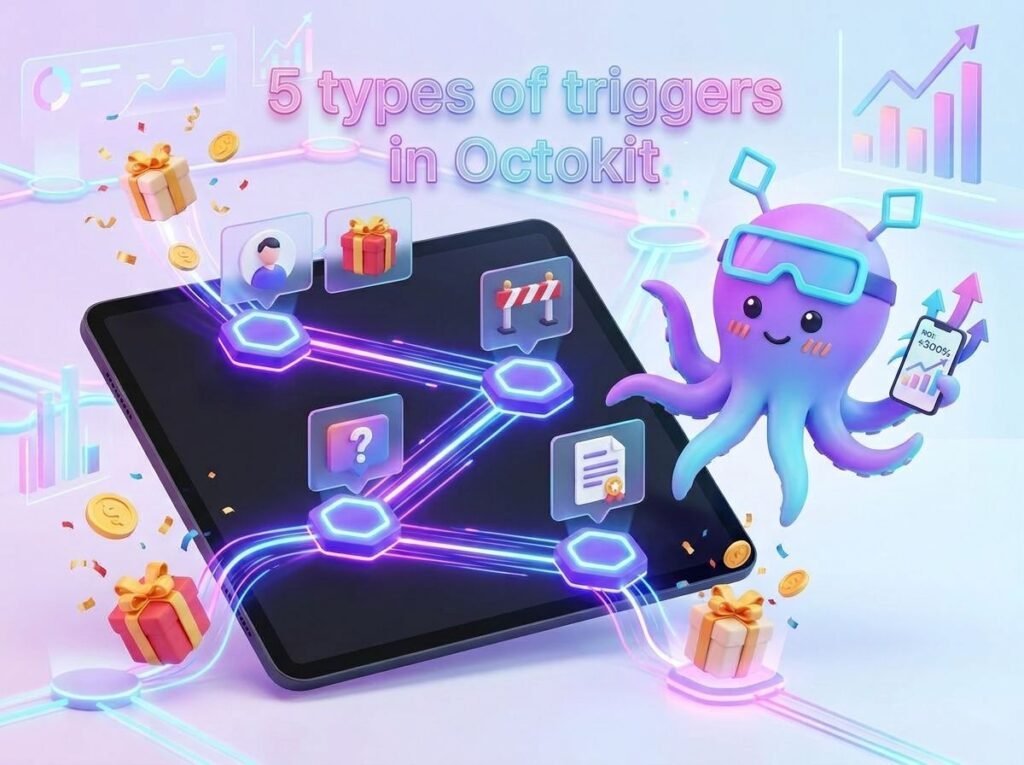
Octokit offers 5 types of triggers. Each creates a different kind of moment.
Understanding when and how to use each one is the key to building a smooth narrative flow—instead of just a series of random popups.
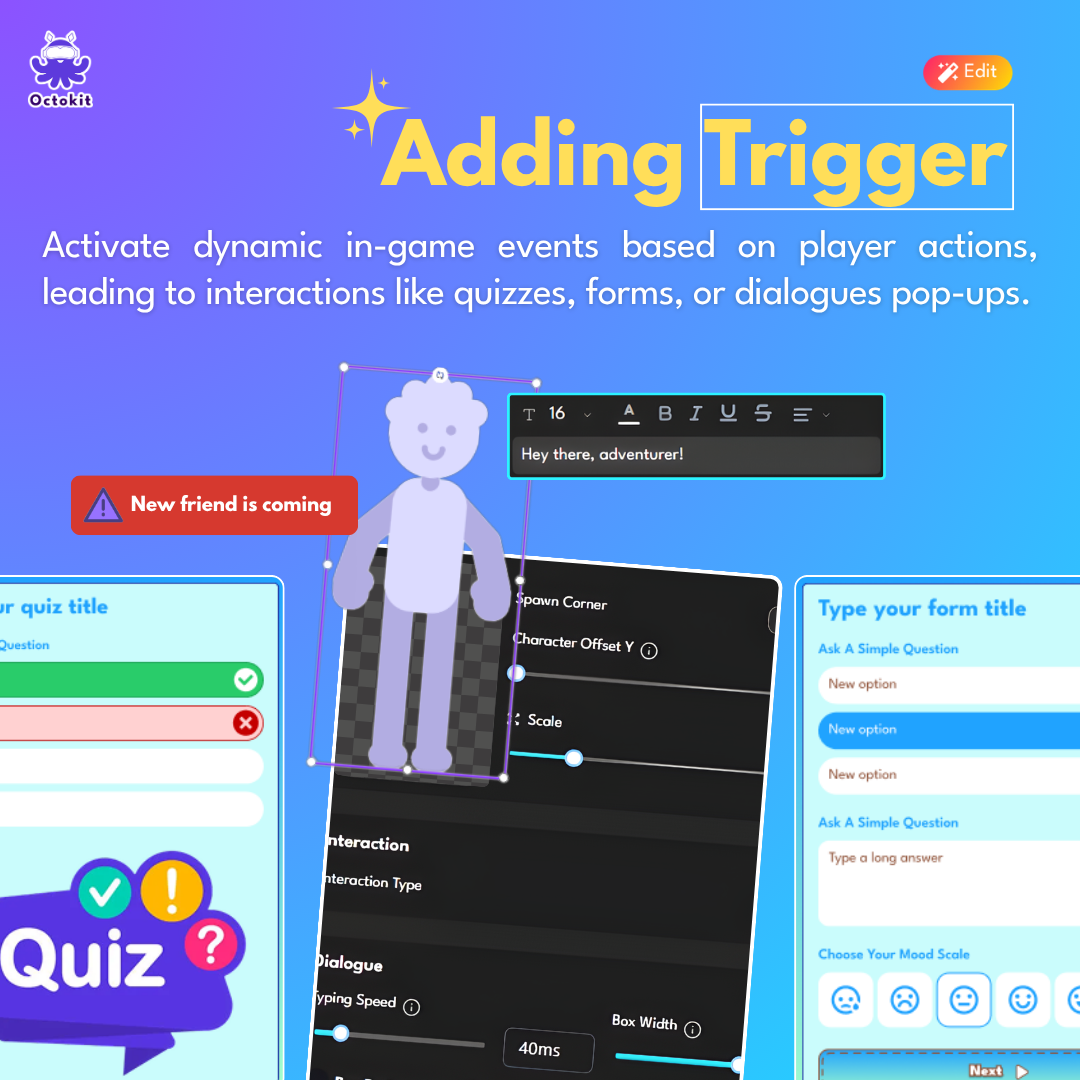
‘Adding Triggers’ is one of the most powerful features in Octokit
How Triggers Work in Octokit
Before diving into the types, let’s understand the core mechanic:
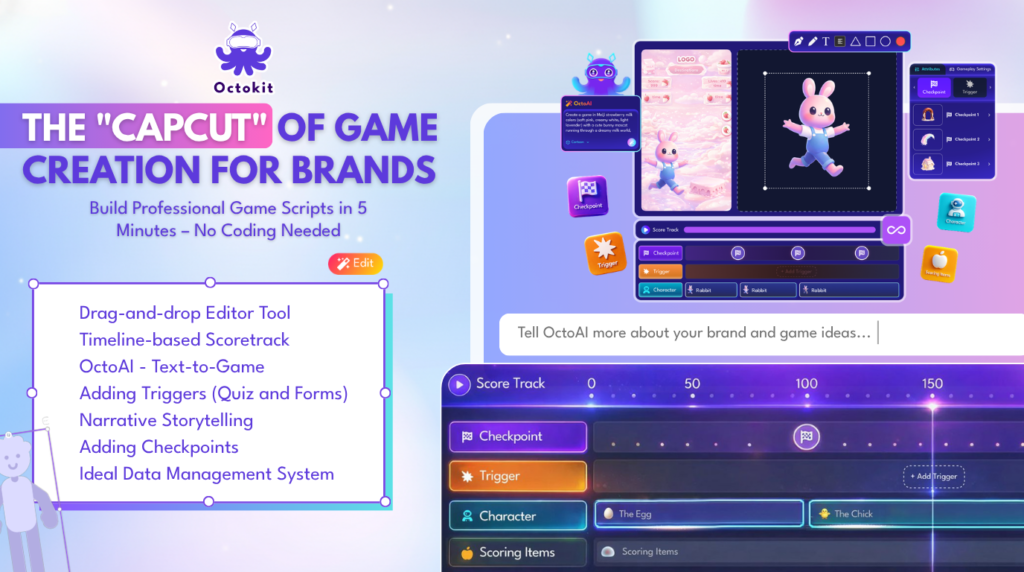
Triggers are placed on the Score Track—the progression timeline of your game.
When a player reaches a specific score:
→ An element appears (NPC, item, obstacle, etc.)
→ The player interacts with it
→ An encounter begins
Each trigger opens a popup made of multiple slides:
- Dialogue (character speaks)
- Comic (image + text)
- Quiz (questions)
- Form (input fields)
- Interaction (player action)
- Reward (points, items, etc.)
You stack these slides to build a complete encounter.
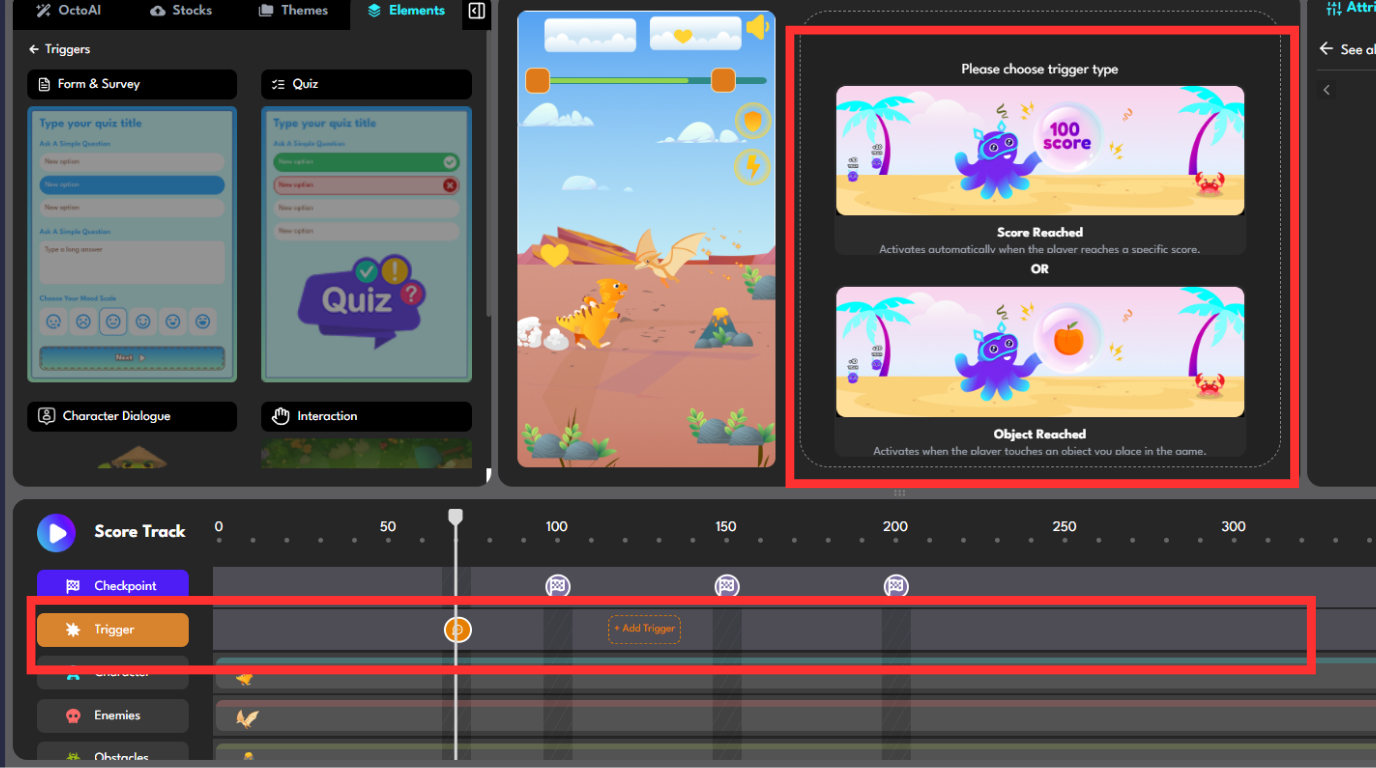
This is how you add Triggers to your game
The 5 Types of Triggers in Octokit
1. NPC Encounter
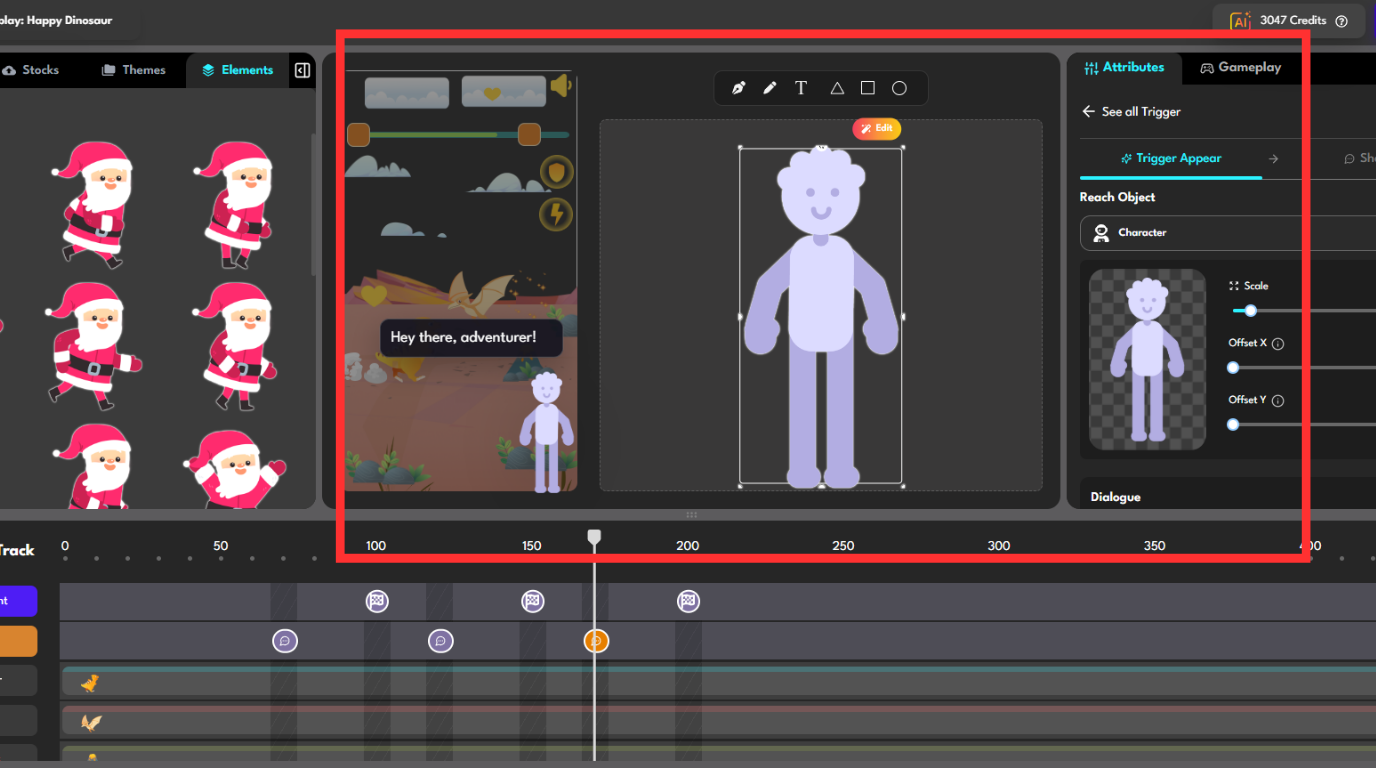
An NPC (Non-Player Character) is a character with identity, voice, and purpose in your story.
When to use
- Introduce characters
- Drive the narrative forward
- Build emotional connection
Example Encounter: The Wise Mentor
Trigger: NPC “The Wise Elder” at 500 points
Slide 1 – Dialogue:
“Greetings, young traveler. I have been waiting for someone worthy to inherit this knowledge.”
Slide 2 – Quiz:
“Prove your worth.”
[Brand/product knowledge question]
Slide 3 – Dialogue:
“Impressive. This is yours now.”
Slide 4 – Reward:
+200 points, +1 life
Design Tips
- Give each NPC a unique voice
- Keep dialogue short (2–3 lines per slide)
- End with intrigue, not closure
2. Item Pickup
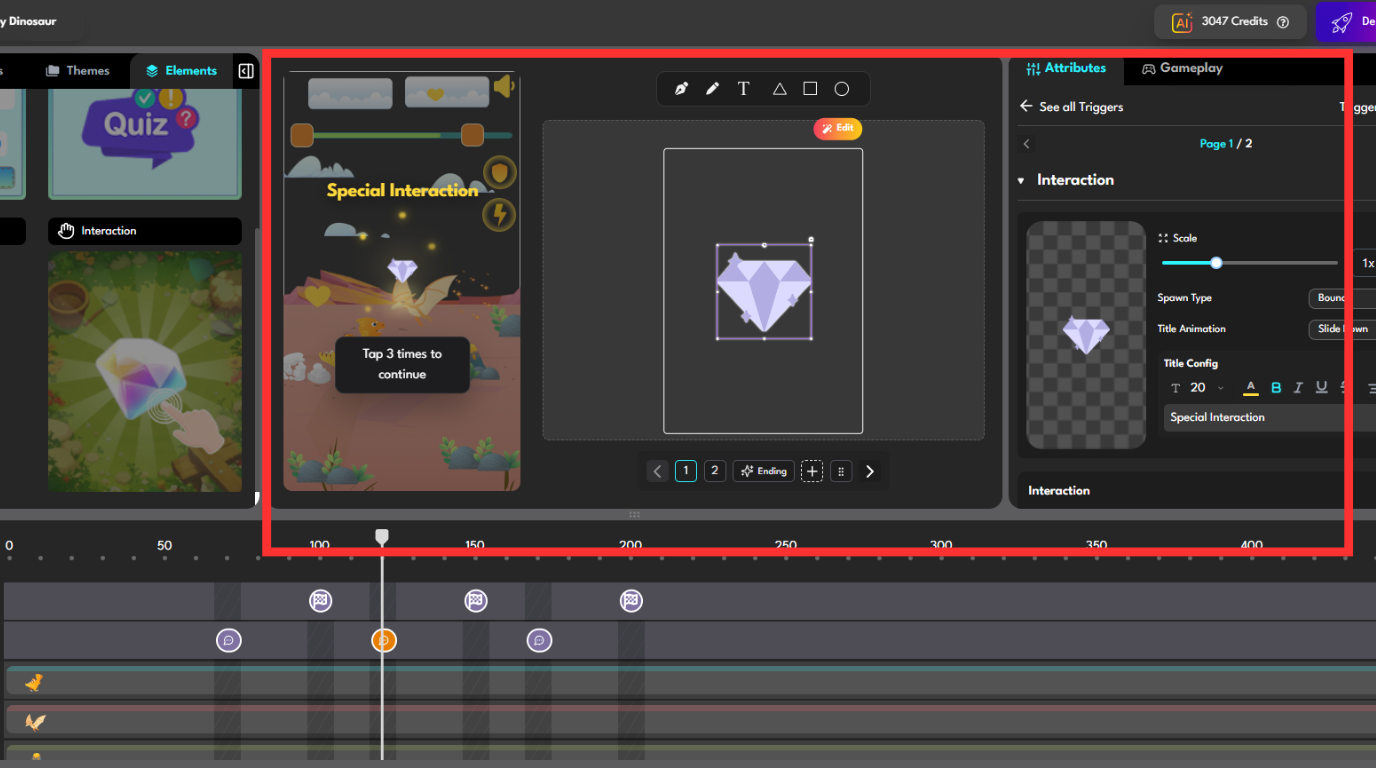
Items are objects the player can discover. They don’t have personality like NPCs, but they still tell a story.
When to use
- Create a sense of discovery
- Introduce clues or collectibles
- Break up NPC-heavy sequences
- Make rewards feel earned
Example Encounter: The Ancient Book
Trigger: Item “Ancient Book” at 300 points
Slide 1 – Comic:
“A glowing book lies beside the path…”
Slide 2 – Dialogue (from the book):
“Unlock me to reveal what’s hidden inside.”
Slide 3 – Interaction:
Tap the book 5 times to unlock
Slide 4 – Comic:
“The secret is revealed: [product knowledge]”
Slide 5 – Reward:
+150 points, unlock “Ancient Wisdom” badge
Design Tips
- Make the item visually noticeable
- Add subtle animations if possible
- Use meaningful names (avoid generic labels like “Item A”)
3. Obstacle
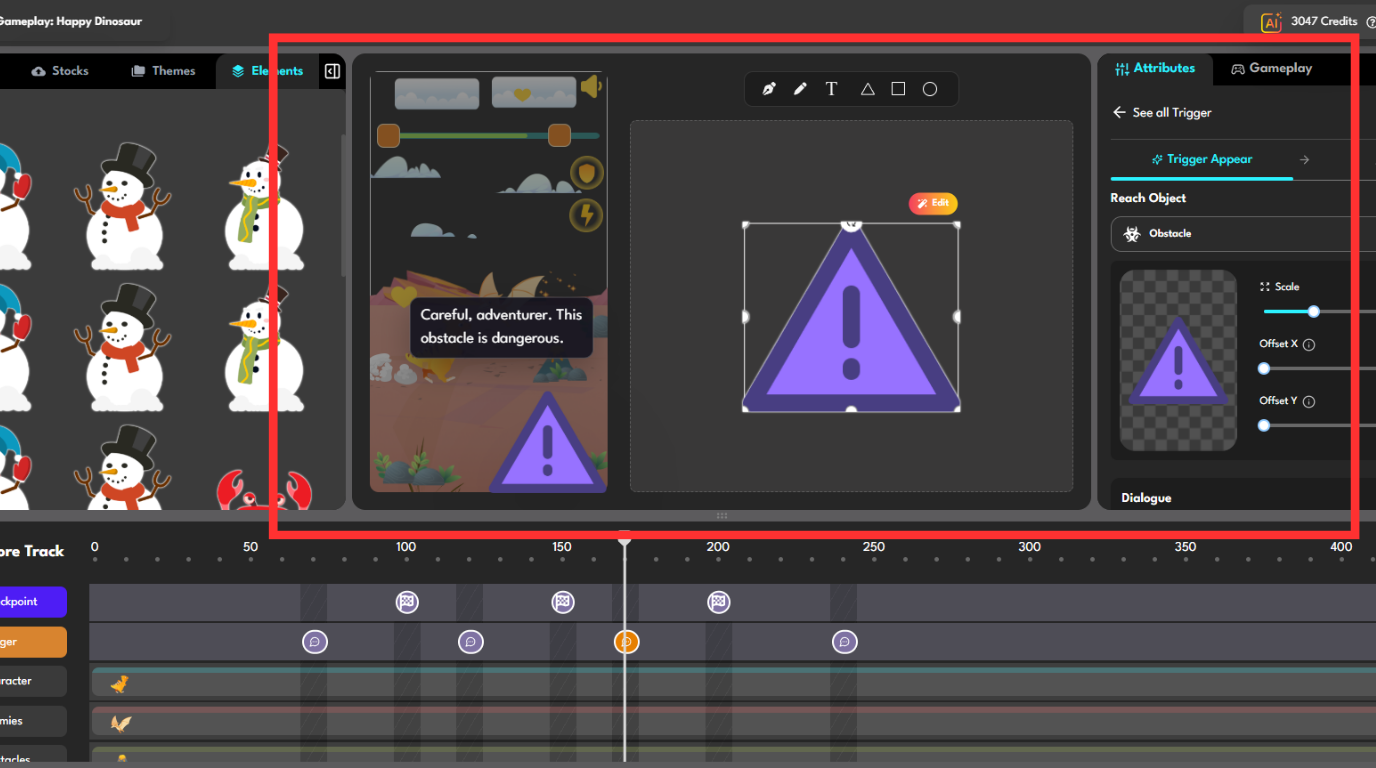
Obstacles block the player’s progress—they must be resolved to continue.
When to use
- Create tension or urgency
- Add meaningful challenge
- Gate progression
Example Encounter: The Snowstorm
Trigger: Obstacle “Blizzard” at 700 points
Slide 1 – Comic:
“A sudden snowstorm blocks your path…”
Slide 2 – Interaction:
Tap the map 4 times to find a way
Slide 3 – Quiz:
“To proceed, answer the guardian’s question.”
Slide 4 – Dialogue:
“Remember—this storm is no coincidence.”
Slide 5 – Reward:
+250 points
Design Tips
- Make danger visually obvious
- Ensure rewards justify the effort
- Allow failure, but include a retry option
4. Quiz Challenge
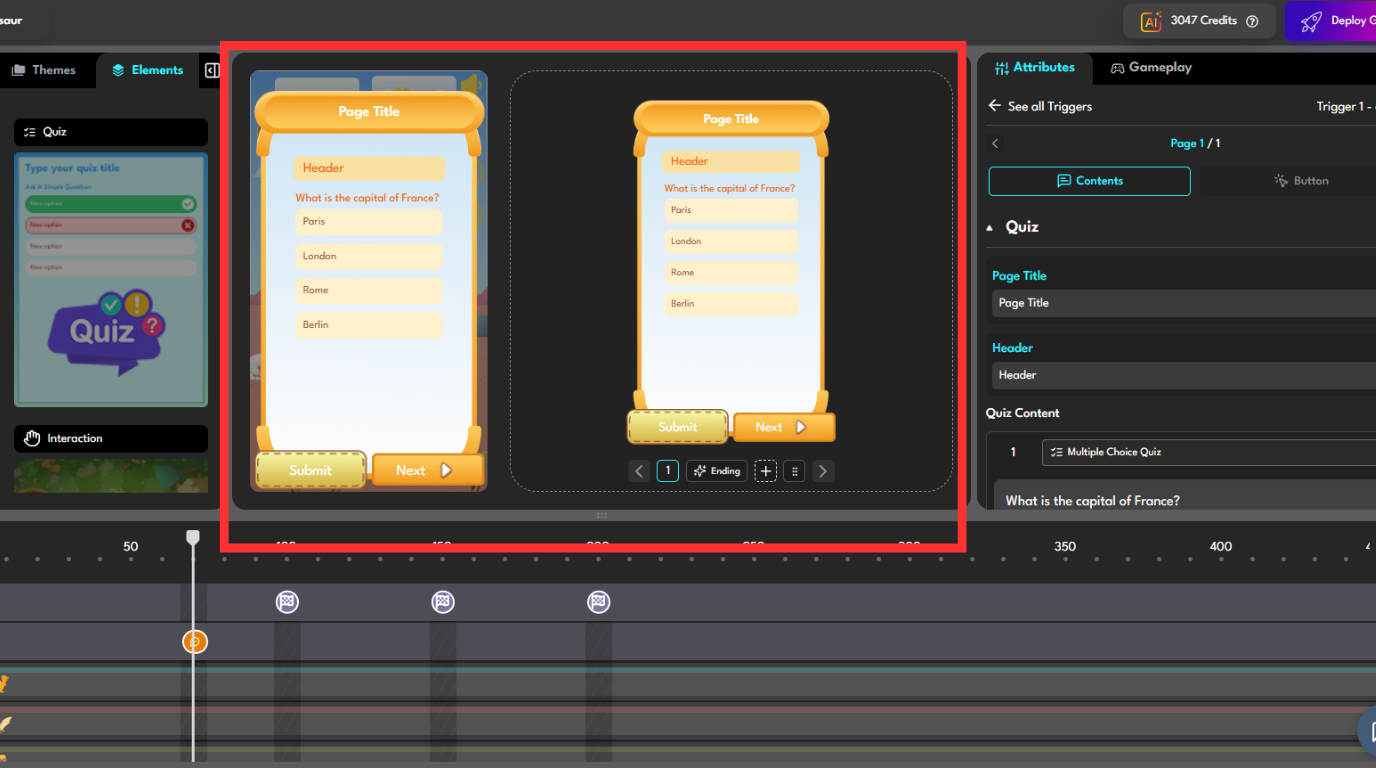
A Quiz Challenge is a trigger where the quiz is the main experience.
When to use
- Test player knowledge
- Create a “boss fight” moment
- Run educational campaigns
Example Encounter: Final Exam
Trigger: Quiz Challenge “Final Exam” at 900 points
Slide 1 – Dialogue:
“This is your final test. 3 questions. One wrong answer = lose a life.”
Slide 2 – Quiz 1
Slide 3 – Quiz 2
Slide 4 – Quiz 3
Slide 5 – Dialogue:
“Excellent. You passed with distinction.”
Slide 6 – Reward:
+500 points (highest reward in the game)
Design Tips
- Set expectations for difficulty upfront
- Real consequences increase engagement
- Allow retries after showing correct answers
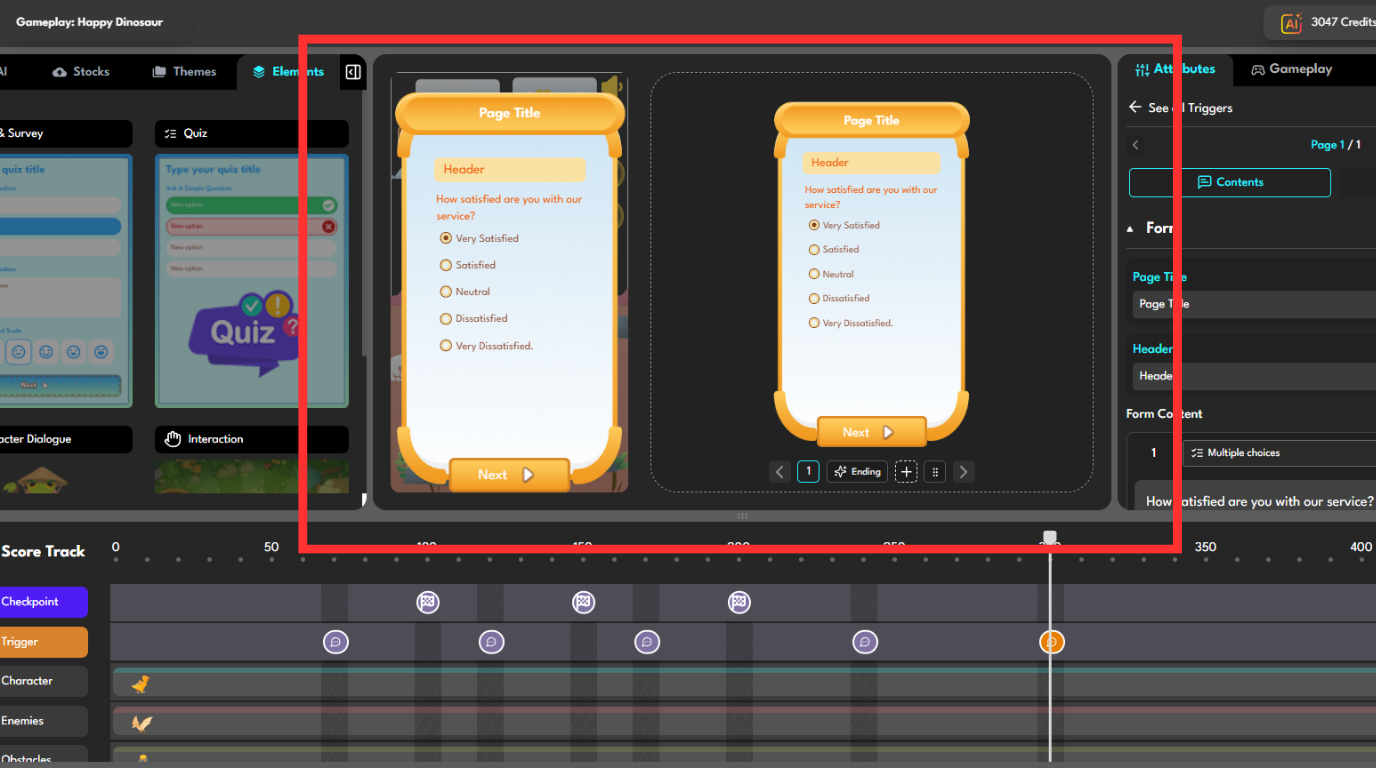
5. Form Capture
Form Capture is where gameplay meets marketing—turning players into leads.
When to use
- Collect user data (lead generation)
- Run surveys
- Deliver verified rewards
Example Encounter: Claim Your Reward
Trigger: Form Capture “Mystery Mailbox” at 1000 points
Slide 1 – Dialogue:
“You’ve completed the journey! A special reward awaits.”
Slide 2 – Comic:
“A glowing golden mailbox appears.”
Slide 3 – Form:
Name
Phone number
Email
Slide 4 – Reward:
“Your 30% discount voucher has been sent. Check your SMS!”
Design Tips
- Place the form at the end (after user investment)
- Ask only for essential information
- Clearly communicate the reward before the form
- Avoid sensitive questions too early
How to Combine Triggers into a Complete Game
The best games don’t rely on just one trigger type.
They combine them to create pacing and narrative flow.
Example Structure:
| Score | Trigger | Purpose |
| 200 | Item | Curiosity |
| 400 | NPC | Relationship |
| 600 | Obstacle | Conflict |
| 800 | Quiz | Challenge |
| 1000 | Form | Reward |
→ Narrative Flow:
Discovery → Relationship → Conflict → Challenge → Payoff
FAQ
How many triggers can a game have?
There’s no technical limit.
But for good UX:
→ 1–2 triggers per 200 points is ideal
Can triggers repeat?
No.
Each trigger appears once per checkpoint.
To reuse:
→ Create a new trigger with the same asset
Can players skip triggers?
- NPC & Item → Optional
- Obstacle → Can be mandatory
- Form Capture → Usually mandatory at endgame
How to choose triggers across the game?
- Early game → Curiosity (Item, light NPC)
- Mid game → Tension (Obstacle, Quiz)
- End game → Payoff (Form, final NPC)
Start Building Your Story Game
You don’t need:
- A dev team
- A big budget
- Months of production
You just need:
A clear flow and a starting point
Start here → https://octokit.co
Final Thought
Games don’t start with code.
They start with the first meaningful interaction.
And that moment—
is your trigger.
 Back
Back