


During the Tet season, a marketer’s inbox is flooded with proposals. Long pitch decks are easily skimmed past because clients have to imagine what the campaign would actually look like.
A playable demo lets them test their very own campaign. They see their logo, brand colors, and rewards inside a live, functioning experience. For agencies competing in the gamification marketing space, this is the ultimate way to stand out from the very first touchpoint.

Why a game demo beats a pitch deck
During the Tet season, a marketer’s inbox is flooded with proposals. Long pitch decks are easily skimmed past because clients have to imagine what the campaign would actually look like.
A playable demo lets them test their very own campaign. They see their logo, brand colors, and rewards inside a live, functioning experience. For agencies competing in the gamification marketing space, this is the ultimate way to stand out from the very first touchpoint.

Step 1: Choose a template aligned with the client’s brief
Don’t start from scratch. Pick a pre-built Octokit game template that closely matches what the client wants to achieve: lead generation, engagement boost, or driving repeat visits.
Choose a simple core action that is easy to understand on the first play: dodging obstacles, matching tiles, or collecting lucky money envelopes. For narrative ideas, see how to design a story-driven game.
➤ Choosing the right template from the start saves you most of your demo creation time.
Step 2: Customize with the client’s brand using the Editor
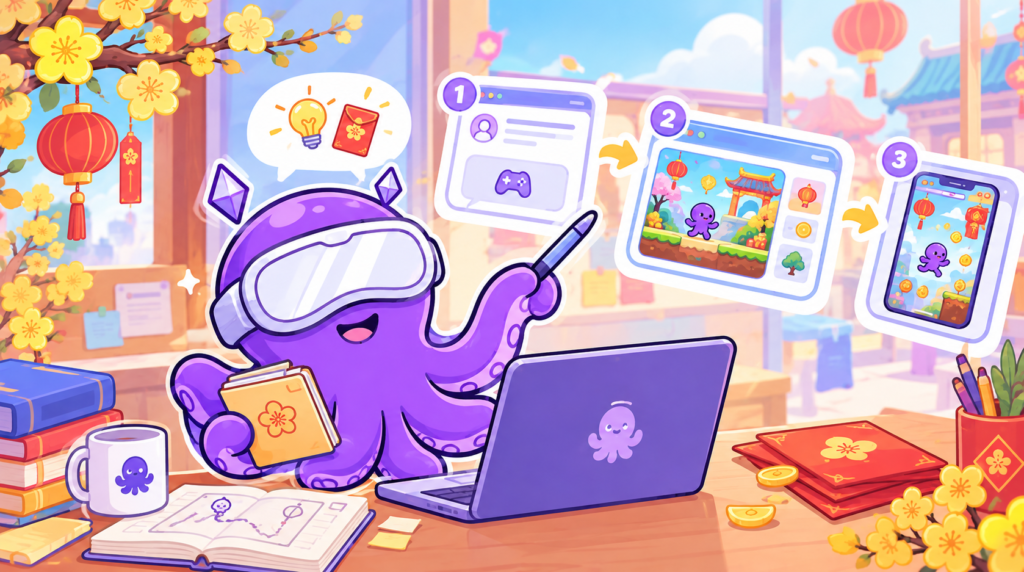
This is where you create the “wow” factor. Using the drag-and-drop editor, you can accomplish the following without needing a developer:
• Upload the client’s logo, backgrounds, characters, and brand icons.
• Adjust layout and color palettes to match their brand identity.
• Update messaging and rewards to suit the client’s Tet campaign theme.
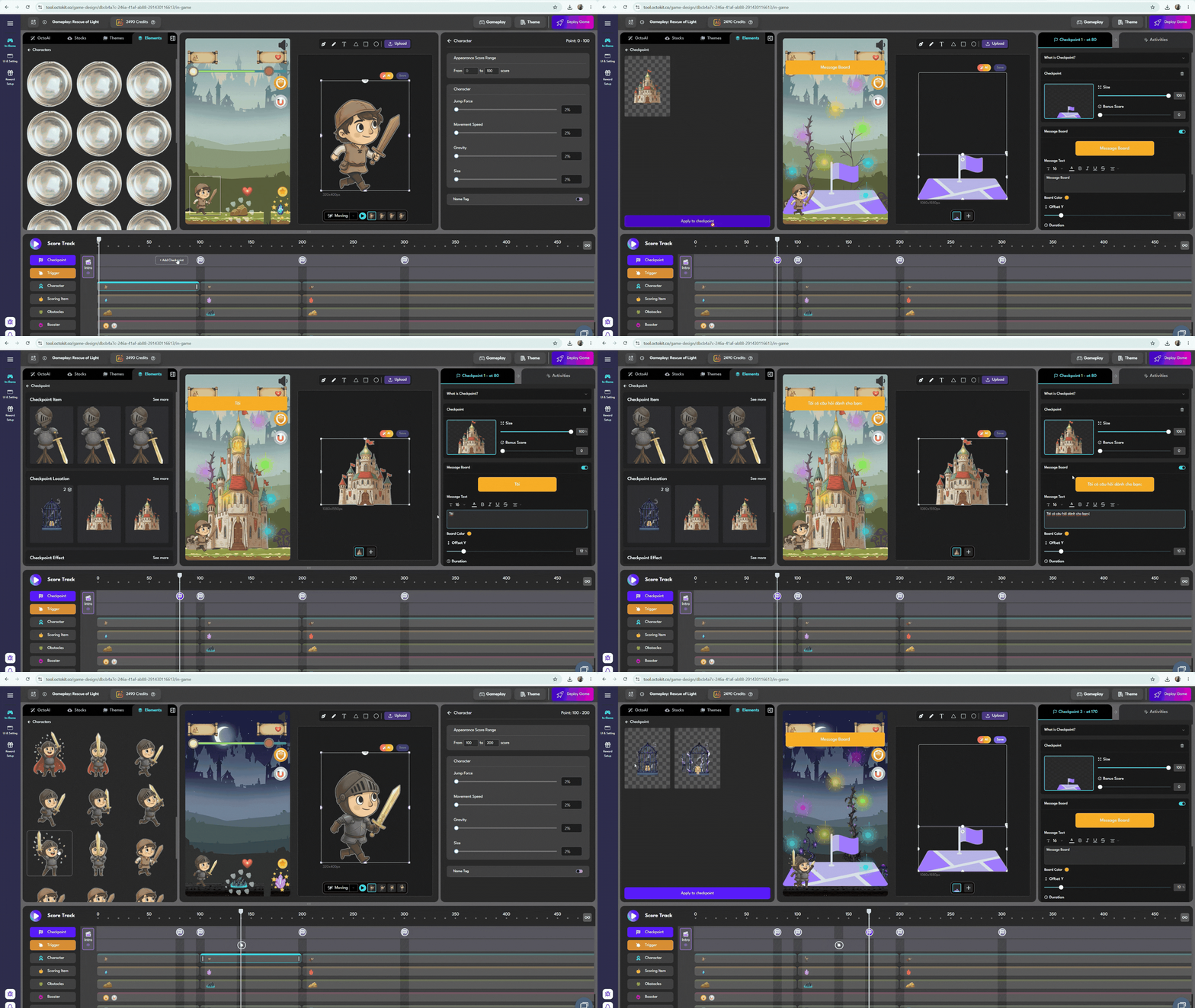
Pro Tip for Speed: Prepare a folder of brand assets for each client before opening the Editor. If you need an even faster first draft, use OctoAI to build the framework, then fine-tune it in the Editor.
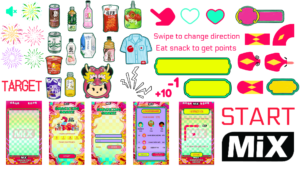
➤ A demo carrying the client’s brand name makes them feel like the campaign is already theirs.
Step 3: Finalize rewards and gameplay flow just enough for clients to picture it
A demo doesn’t need every feature unlocked. It just needs to showcase the core campaign flow:
• Core action and a few checkpoints.
• A reward moment.
• Teasers of features available upon launch, such as daily check-ins, leaderboards, and OTP verification.

➤ A concise demo played in minutes is far more persuasive than a lengthy demo clients never finish.
Step 4: Test, then send the link to the client
Before sending, play test on mobile devices just like the client will. Once everything looks good, publish the game and share the link.
The game link should be paired with a brief email. Here is a suggested template:
Subject: A playable Tet campaign test for [Brand Name]
Hi [Client Name],
Instead of sending a long deck, I put together a quick, playable game branded for [Brand Name] for you to test out: [Game Link].
It takes about [X] minutes to play. If you like the direction, I can customize the rewards and messaging to align with your Tet goals. When do you have 15 minutes to chat?
Why this email works:
• The subject line explicitly mentions their brand so it doesn’t look like spam.
• A single link with no heavy attachments.
• A low-friction call-to-action: requesting 15 minutes instead of a full meeting.

Step 5: Transition from demo to live campaign
When the client says yes, you don’t have to start over from scratch. The demo serves as the foundation for the live campaign: add the prize distribution engine, verified lead capture, campaign schedule, and launch. See more on how to deploy a marketing game in minutes.

➤ The cleaner your demo, the shorter the path from “testing out” to “signing the contract”.
Conclusion
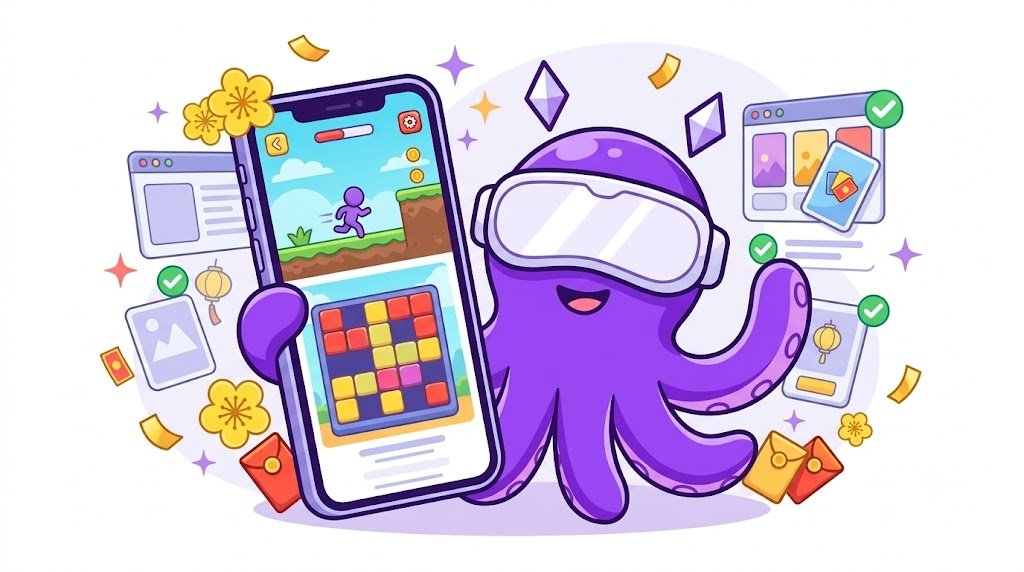
During Tet season, the agency that closes the deal is often the one that shows results first. Pick a template, customize it with the client’s brand, send a playable link with a short email—the entire workflow can be wrapped up in a single afternoon.
Want to explore live campaigns? Check out the Octokit portfolio. Or start with Octokit’s templates today and send out your first demo to a client this week!
 Back
Back