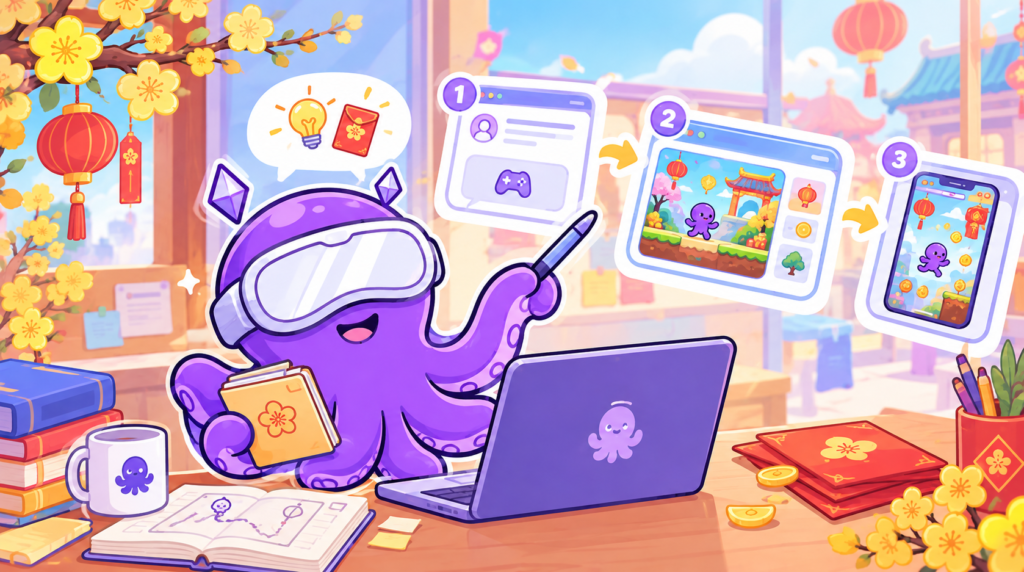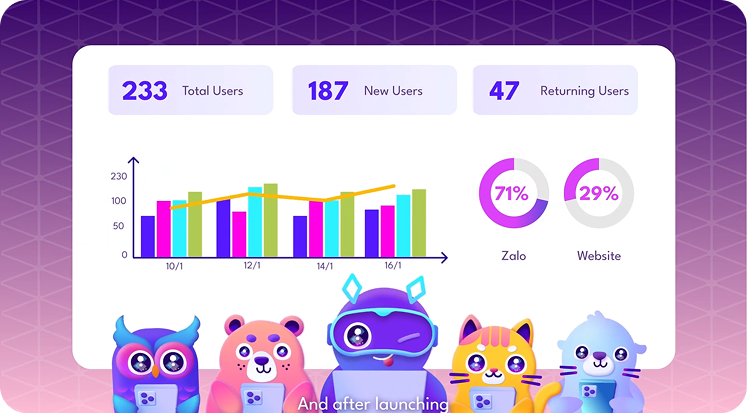



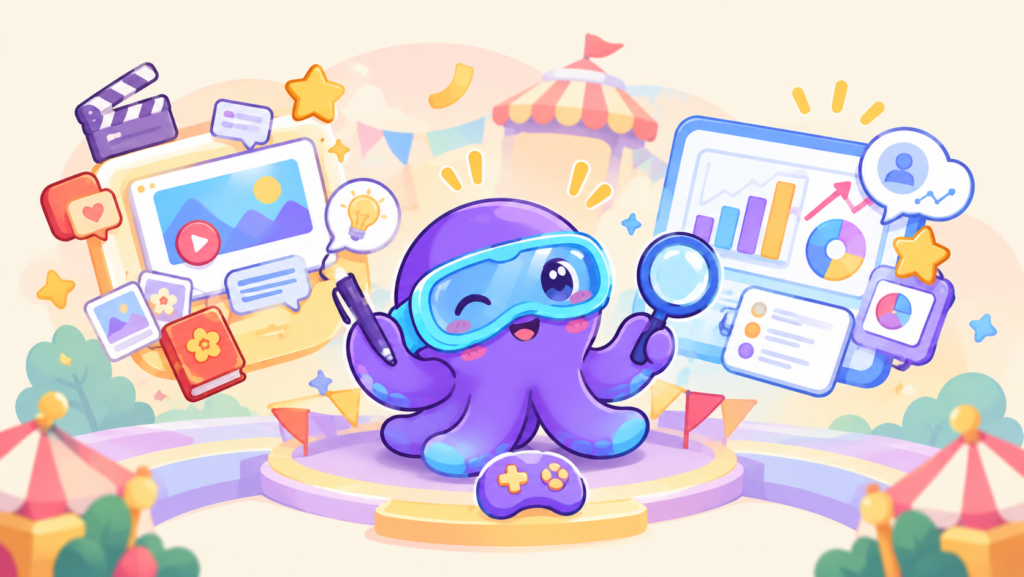
A survey gets abandoned halfway through. But when a game character asks a question, players answer immediately.
Most brands treat story content and customer surveys as two completely separate tasks. With in-game events from Octokit, you merge both into a single seamless moment. Here is how to do it.

What Is an In-Game Event?
An event is an interactive checkpoint you place anywhere along the player’s journey. When a player triggers that point, the event activates: an NPC appears, a pop-up displays, a question is asked, or the story transitions to a new chapter.
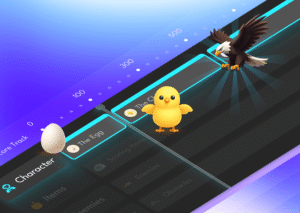
You can insert events at multiple points in the game, not just at the start or finish. Each event fulfills two functions simultaneously:
-
Storytelling: Advances the narrative, introduces NPCs, and conveys brand messages.
-
Insight Collection: Asks quick questions, offers choices, and records player preferences.
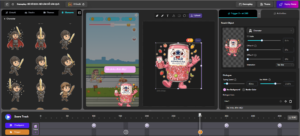
In gamification marketing, this is the key difference from a static landing page: users answer because they are immersed in the storyline, not because they are forced to fill out a form.
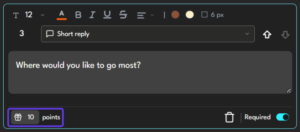
➤ Insights gathered naturally during gameplay are much more reliable than data collected through traditional forms.
Why Does This Approach Work?
End-of-game surveys are frequently skipped because users have run out of patience. An event placed mid-journey works differently: the player is engaged, and because the question feels like a part of the plot, it doesn’t feel like an interruption.
You no longer have to choose between user experience and data collection. Placed correctly, a single event enriches the narrative while giving you valuable customer insights.
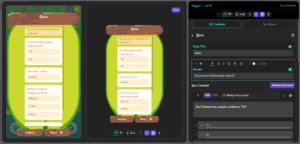
How to Design Events That Tell Stories and Gather Insights
Step 1: Map Out the Storyline First
Before adding events, define the main chapters of your narrative. Each transition naturally serves as a placement spot. If you don’t have a story yet, see how to design a story-driven game or use text-to-game to generate a multi-level framework quickly.
ặc dùngtext to gameđể có khung nhiều level nhanh hơn.
Step 2: Identify the Key Insight You Need
Each event should focus on a single question. Ask yourself: “What does our brand truly need to learn?” For instance:
-
Which gift category do players prefer?
-
Who do they usually spend the holidays with?
-
Which channel brought them to our brand?

Step 3: Integrate Events into the Narrative
Use the drag-and-drop editor to attach events to checkpoints. Common integration methods include:
-
NPC Inquiries: A supporting character asks a short question to unlock the next path.
-
Branching Choices: The player picks one of two paths, revealing their personal preference.
-
Quick Trivia: A rapid single-choice question that lets players resume gameplay immediately.
-
Embedded Gameplay Forms: Information collection triggered right after a player achieves a milestone.
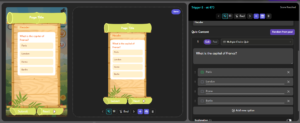
➤ Questions woven directly into the storyline do not feel like market research.
Step 4: Reward Players Immediately
After answering, players should receive an instant reward: extra points, an extra life, or unlocking the next plot segment. For higher-tier rewards, explore the reward management system.
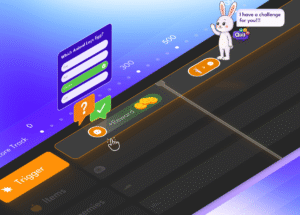
Step 5: Test and Check the Pacing
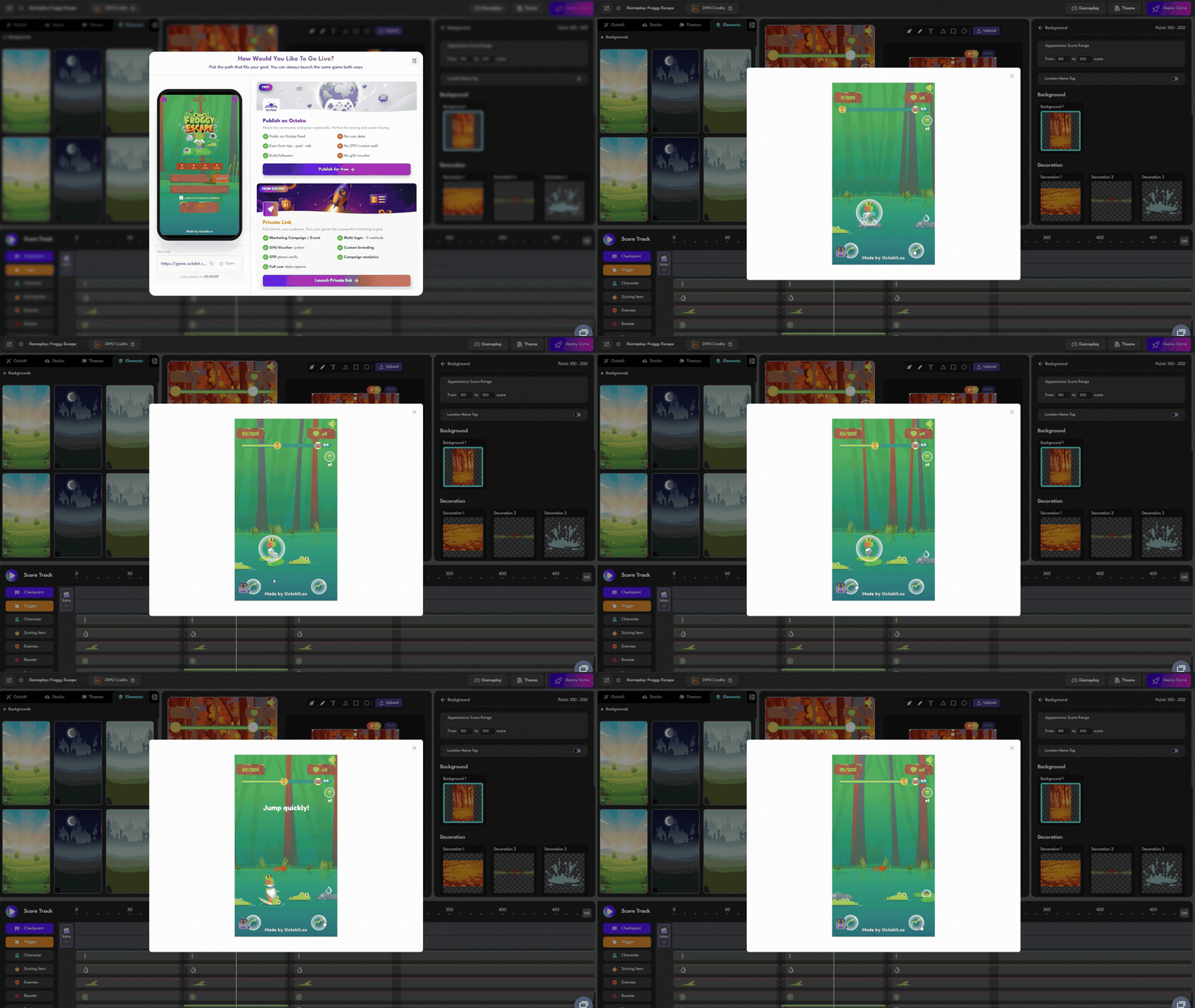
Play test the game end-to-end to evaluate its rhythm: avoid grouping too many events together. If lead generation requires verification, turn on OTP verification. Once finalized, publish the game.
Best Practices to Maintain User Experience
-
Quality over Quantity: A few well-placed events outperform a game cluttered with prompts.
-
One Goal per Event: Combine story and questions, but ask for only one piece of information at a time.
-
In-Character Voice: Write questions matching the character’s persona, not like an academic questionnaire.
-
Collect Only What You Use: Unnecessary fields cause user fatigue.
Conclusion
In-game events allow brands to accomplish two major goals at once: build a compelling story that retains players and collect actionable customer insights without separate surveys. Select key checkpoints in your journey, assign a clear purpose to each, and let the narrative do the rest.
Want to see live campaigns? Explore the Octokit portfolio. Or get started today with Octokit’s ready-to-use templates and add your first event to the player journey.
 Back
Back