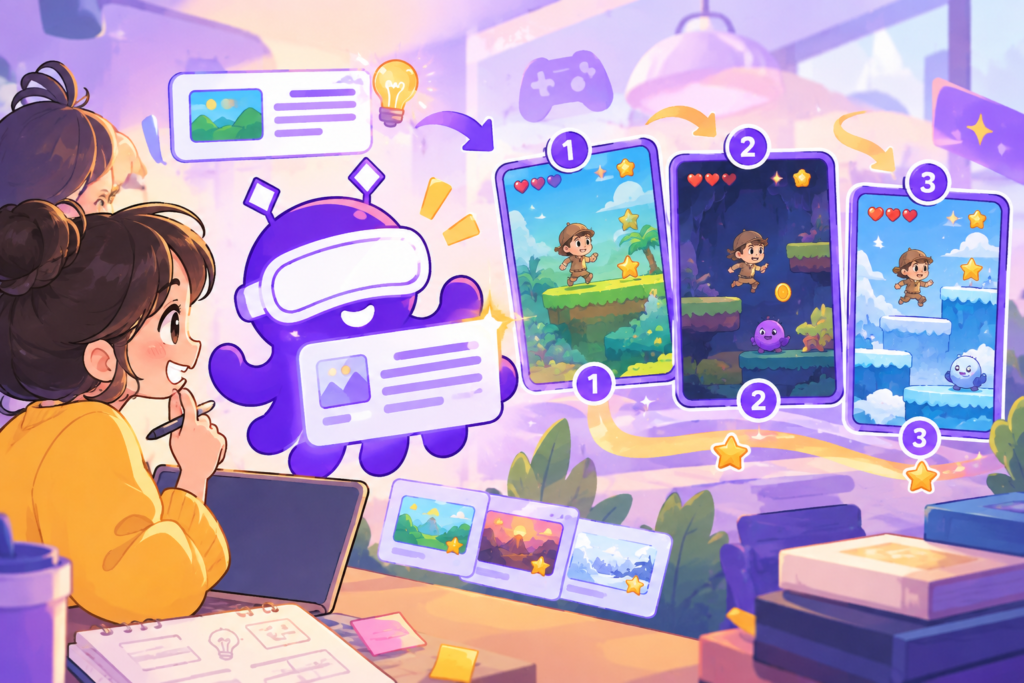



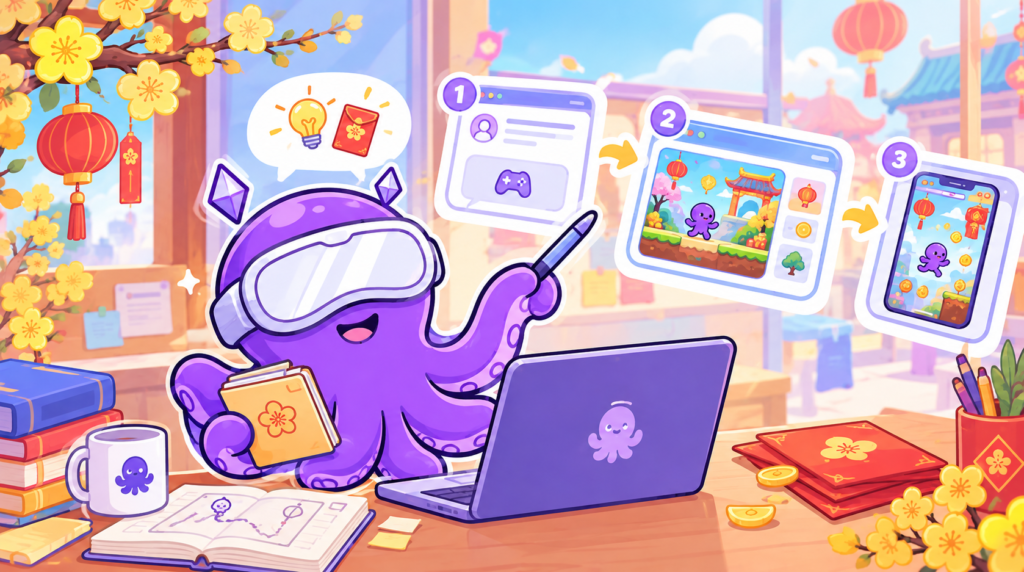
Just type: “The bus ride home on the 29th of Tet, a girl holding a gift basket, dodging traffic jams”. One prompt, one game.
That is how you create games using AI with OctoAI. You don’t need coding skills or to build each level manually—all you need is an idea. This guide takes you step-by-step from your first prompt to a fully playable game.
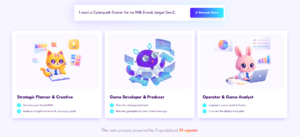
Step 1: Write a Prompt and Click Generate
A good prompt doesn’t need to be long; it just needs 3 key elements:
-
Context: Where and when the story takes place (bus ride home, 29th of Tet).
-
Character: Who the player is (a girl holding a gift basket).
-
Challenge: What the player must do (dodge traffic jams).
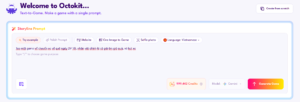
After you click Generate, the AI interprets your prompt and asks follow-up questions regarding color schemes, fonts, and game complexity. Simply respond to each question.
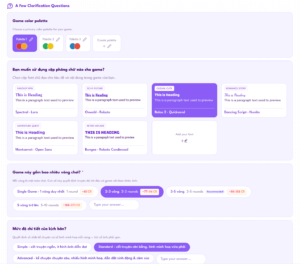
➤ The clearer your context and challenge are, the less the AI has to guess, resulting in an initial draft that closely aligns with your vision.
Step 2: Review and Edit the AI-Proposed Script
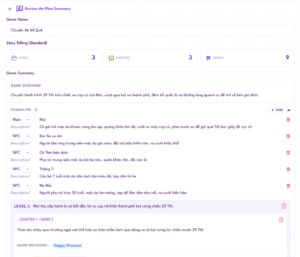
The AI doesn’t generate the game instantly; it presents a script proposal first. You can review and adjust it to your liking:
-
Delete, add, or edit dialogue.
-
Change characters or introduce new ones.
-
Adjust individual game levels.
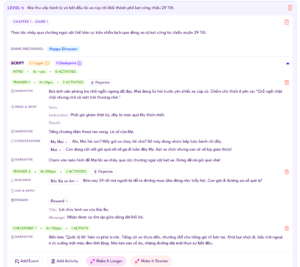
This is the most crucial step for marketers. Brand voice, messaging, and narrative are finalized here before the game is generated. Want to tell multi-chapter stories? Read more about multi-level text-to-game creation.
Step 3: Receive a Fully Playable Game Instantly
Once you finalize the script, the AI builds the complete game. You can test-play it immediately without additional steps.
If further adjustments are needed, the game opens in the Editor Tool. Here, you can use the drag-and-drop editor to update brand assets, layout, or insert interactive checkpoints like in-game events.

➤ Having a playable prototype early means you can share live test demos with colleagues and clients sooner.
Step 4: Fine-Tune Chapter by Chapter
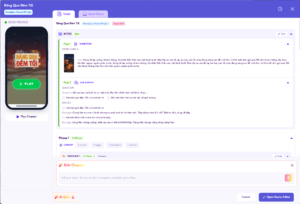
You have two ways to modify content and assets within each chapter:
-
Manual edits in the Editor Tool: When you know exactly what you want to tweak.
-
Request AI re-generations: When you want to explore an alternative direction without manual work.
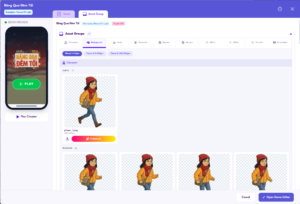
You can combine both methods within the same project: let the AI generate drafts quickly, then fine-tune specific details yourself.
➤ Editing chapter by chapter allows you to make targeted adjustments without rebuilding the entire game.
Tips for Marketers
-
Start with a story, not technical features: Relatable holiday themes (returning home for Tet, year-end family meals) evoke stronger emotional responses than technical descriptions.
-
Experiment with 2-3 different prompts: When initial prototypes generate rapidly, you don’t have to bet your entire campaign on a single concept.
-
Review scripts thoroughly before generation: Editing dialogues at the script stage is significantly easier than tweaking them after production.
-
Integrate rewards into the player journey: Use the reward management system to distribute prizes across game milestones.
-
Keep human creativity in command: OctoAI powers the execution, but core ideas and brand messaging remain in your hands. Learn more about how AI is transforming minigame creation.

Conclusion
From a single descriptive prompt to a playable game, the entire workflow spans 4 steps: write a prompt, review the script, receive the game, and fine-tune chapter by chapter. In gamification marketing, the speed of getting a live demo often determines how many creative ideas you can test. Once your game is ready, publish the game across web, mobile, and social media platforms.
Want to explore live campaigns? Check out the Octokit portfolio. Or try OctoAI right now with your own Tet prompt.
 Back
Back