


Imagine you are launching a highly anticipated product next week.
You have spent weeks perfecting the asset pipeline: the landing page is polished, social media teasers are scheduled, and your automated email sequences are locked and loaded. Everything is ready—except for one critical, lingering question: How do you make people genuinely excited to participate instead of just scrolling past another announcement?
Most product launches follow a tired, predictable formula. You blast out a static countdown timer, drop a generic discount code, and plaster a loud “Buy Now” button across your hero banners. While these traditional tactics might rent a few short-term clicks, they rarely generate long-term memory.
What if, instead of simply telling people about your product, you invited them to play with your campaign?
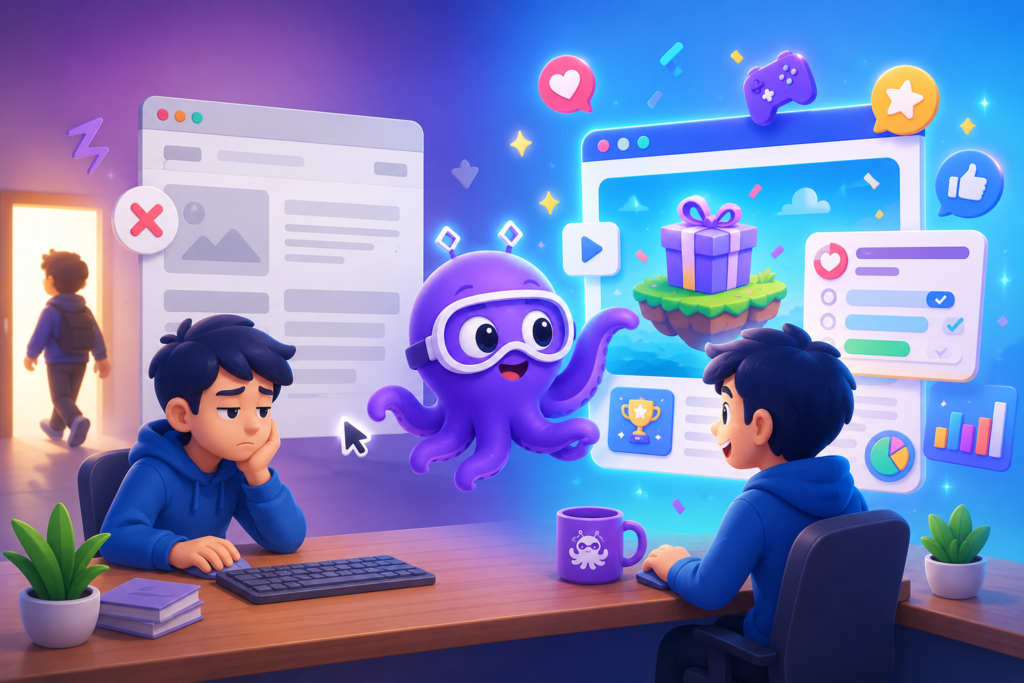
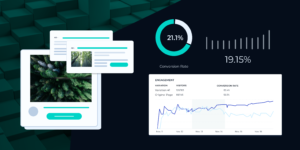
[Traditional Launch] ➔ Static Announcement Banner ➔ Direct Pitch ➔ High Bounce Rate[Gamified Launch] ➔ Immersive Interactive Core ➔ Active Discovery ➔ Organic Lead Conversion |
Imagine a dynamic spin-to-win wheel that reveals exclusive launch offers, an interactive story where customers explore and unlock product features by making choices, or a scratch card hiding limited-edition rewards. Even a simple personalized quiz that matches visitors with the perfect product variation can transform passive viewers into highly engaged participants.
The best part? You do not need an engineering budget, developer resources, or weeks of production to execute this strategy.
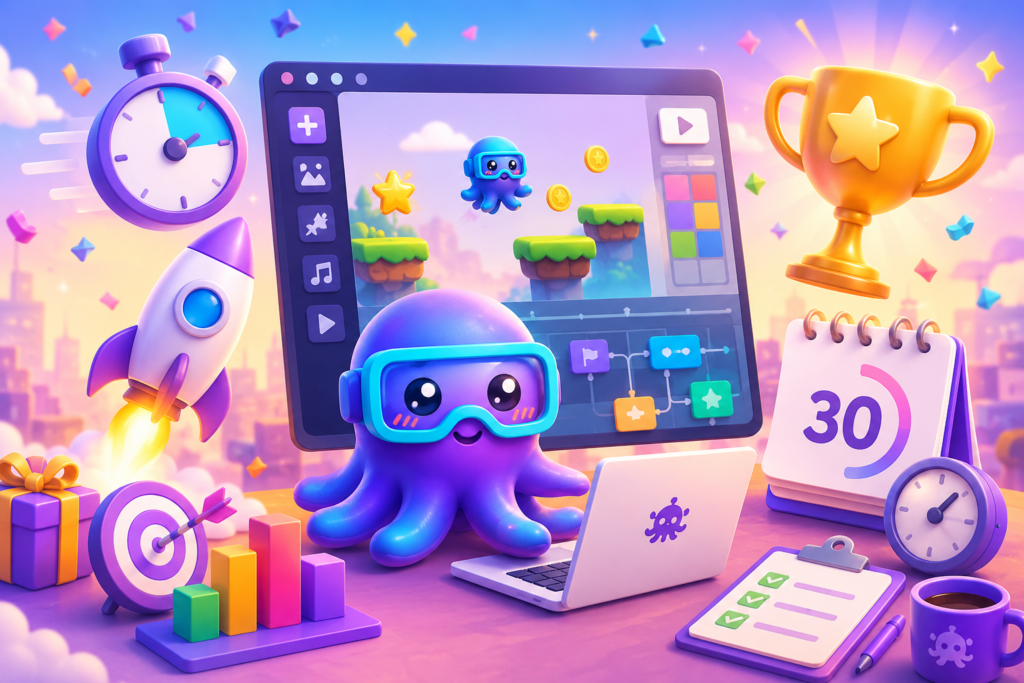
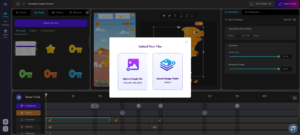
In this comprehensive guide, we will walk you through how to build, optimize, and deploy a complete, campaign-ready product launch game in about 30 minutes using a modern no-code game editor, taking you from initial concept selection to global launch.
Before You Start: Define One Clear Goal
Before you log into any digital workspace, you must ground your project with one foundational question: What do you want this campaign to achieve?
A successful interactive launch isn’t just about creating a novelty distraction. To generate real ROI, every tap, choice, and screen transition in your interactive content design must directly support a key business objective.
Depending on your product’s funnel, your primary KPI might be to:
• Generate a high-intent email waitlist before the launch date.
• Drive highly qualified referral traffic to a specific product detail page.
• Educate early adopters on complex product features.
• Boost viral organic loop reach through social sharing triggers.
• Reward your VIP community members with early-access perks.
Once you lock in your primary conversion metric, selecting and structuring the mechanics of your story game maker environment becomes incredibly straightforward.
Related reading: To understand how interactive experiences prevent high bounce rates and cure low time-on-site, read our detailed guide on How to Increase Website Engagement with Interactive Content.
Step 1. Choose the Right Game Mechanic
Not every interactive mechanic fits every type of product introduction. The core gameplay should naturally match the emotional tone and consumer behavior associated with what you are selling. When you create games with Octokit, you have access to a massive library of pre-built templates.
• Skincare or Fashion Brand: A personalized product quiz works beautifully to diagnostic-match consumers with the exact formula or size fit.
• F&B or Local Retail: A high-speed, instant-gratification lucky wheel or digital scratch card keeps excitement high and drives immediate in-store foot traffic.
• Tech, Software, or Premium Hardware: An immersive branching story-game allows users to interactively uncover technical specifications or features at their own pace.
Analyze your target audience’s psychological drivers and select the template format that reinforces your core marketing message rather than distracting from it.
Step 2. Customize the Experience to Match Your Brand
Once you select your structural template in the Octokit workspace, it is time to transform it into a native extension of your product’s aesthetic. Consumers instantly detect generic, template-looking content; a cohesive visual flow is critical to preserving campaign credibility.
Open your editing canvas and replace all placeholder styling with your dedicated assets:
• High-resolution product graphics and hero photography.
• Your brand’s exact hex colors and typography guidelines.
• Official brand logos, custom-drawn characters, or campaign mascots.
• Your product’s official launch slogan and punchy call-to-action (CTA) text.
If you are launching a limited-edition or seasonal product line, consider adding exclusive visual assets or atmospheric backgrounds within the no-code game editor to make the campaign feel timely and highly exclusive.
Step 3. Turn Features into Gameplay
This is where many brands miss the true potential of gamified launches. Instead of listing out dry product specifications in bullet points on a static landing page, you should design your game so that users actively discover features through play.
By using the right visual tools, you can seamlessly turn product attributes into interactive progression:
• Reward players by revealing a major product benefit only after they complete a short level or unlock a milestone.
• Introduce an animated mascot who presents situational challenges where choosing your new product’s key feature is the only path to success.
• Conceal launch details behind interactive scratch-to-reveal masks using Octokit’s dynamic templates.
• Use diagnostic logic to recommend custom product bundles tailored specifically to the answers they submit.
When users actively participate in discovering information, cognitive retention increases exponentially.
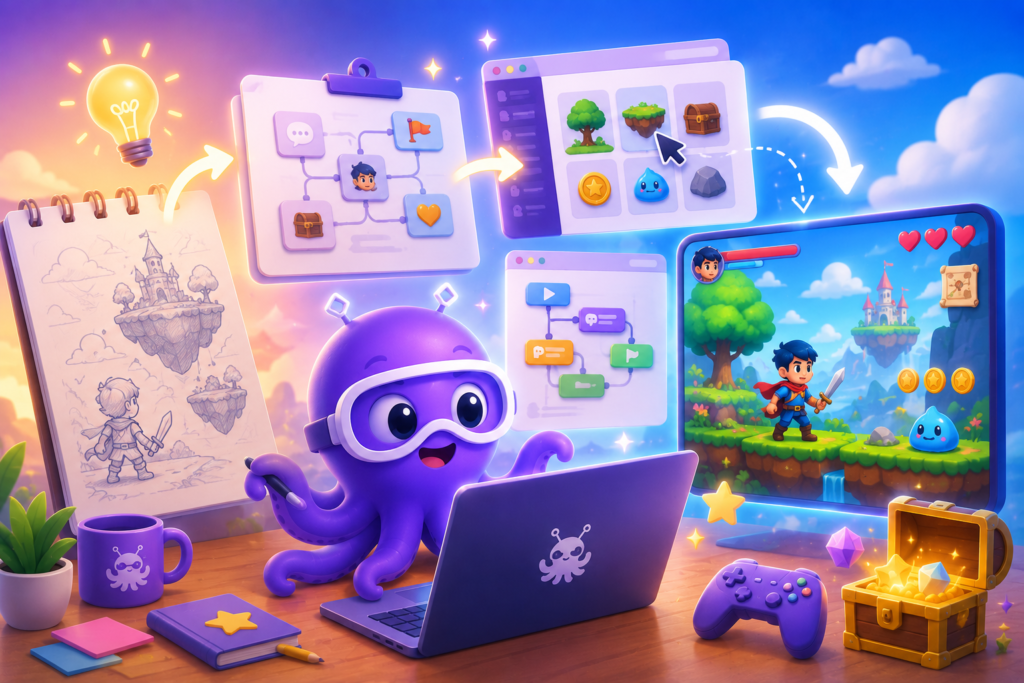
Related reading: For a deep dive into converting raw narrative copy into a playable, visual experience without development delays, explore From Story Idea to Playable Game (No Coding Required).
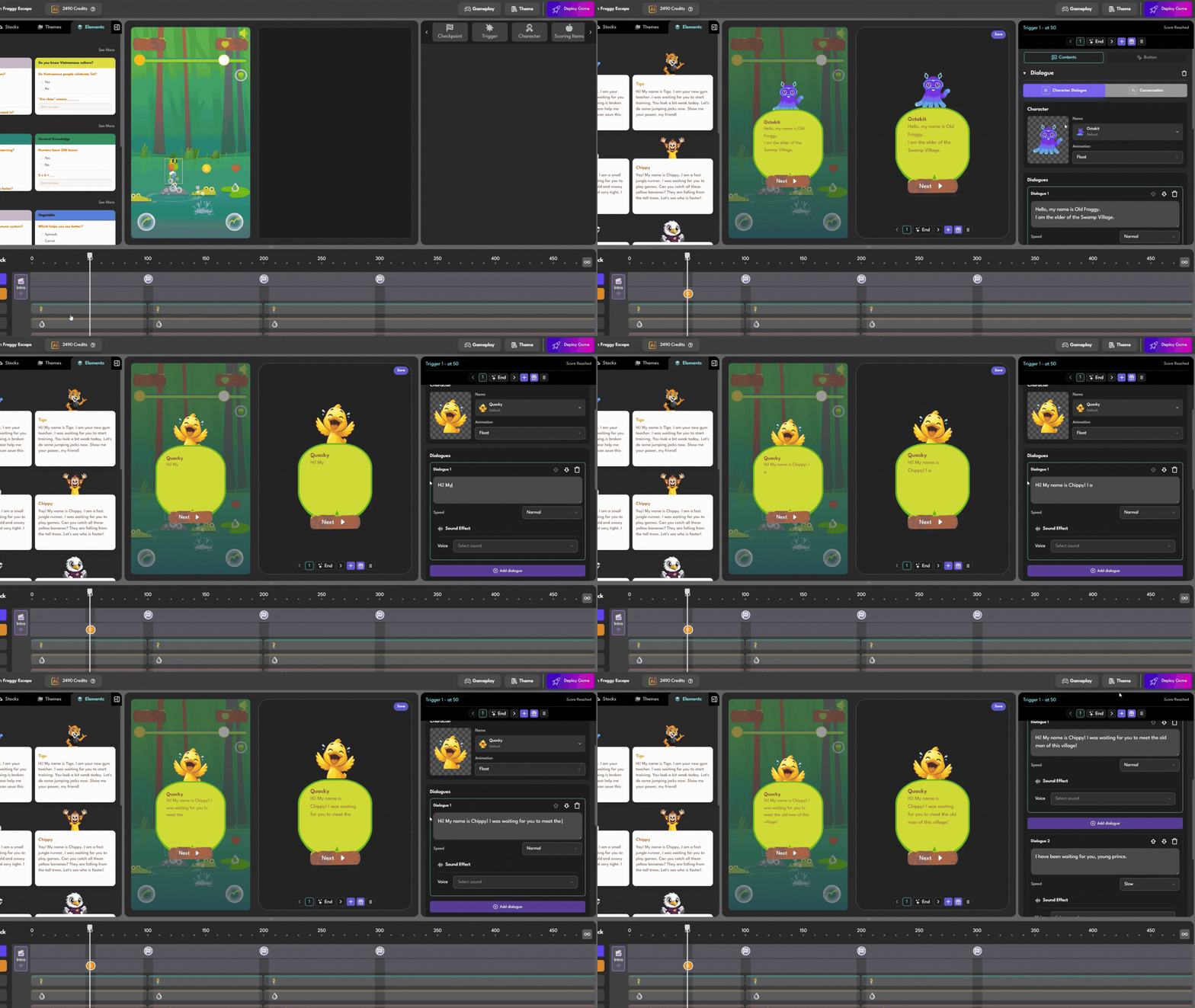
Step 4. Add Rewards That Feel Worth Earning
A common mistake in marketing gamification is assuming that you need an outrageous prize—like a fleet of luxury vacations or high-end smartphones—to drive campaign success.
In reality, consumer psychology proves that players value rewards far more when they feel they have invested mental effort to earn them. A high-value prize with a boring process feels cheap; a modest reward earned through a highly polished interactive content design journey feels like a hard-won trophy.
Consider designing your campaign around highly curated, high-margin, or exclusive brand assets:
• An invitation-only early access purchase window.
• A limited-edition digital badge, collectible, or custom avatar skin.
• A members-only launch discount code.
• Exclusive downloadable brand artwork, guides, or digital wallpapers.
• A free deluxe travel-sized sample with their first order.
Focus on making the reward feel like a natural, rewarding climax to the digital journey they just completed.
Related reading: Learn the behavioral science behind designing high-value conversion incentives on a budget in our guide: Stop Giving Away iPhones. Your Rewards Aren’t the Problem.

Step 5. Configure Lead Collection
Every single player interaction is an invaluable data-gathering touchpoint. Before you reveal the final score, leaderboard ranks, or award distribution screens, present your audience with an optimized data capture form built directly into your Octokit dashboard.
Depending on your CRM goals, you can prompt players to:
• Enter their verified email address to save their spot on the launch waitlist.
• Submit their phone number to receive instant SMS shipping alerts on drop day.
• Answer one quick, highly valuable preference question (e.g., “Which color option is your favorite?”).
• Follow your official social channels or join your loyalty program.
Keep the input fields minimal. The lower the physical friction of your signup form, the higher your final conversion rates will be.
Step 6. Test Before You Launch
Before exposing your campaign to the public, step into your target customer’s shoes and run through the entire interactive loop exactly as they would on launch day.
Evaluate the experience using a strict quality assurance checklist:
• Clarity: Is the point system or goal of the mini-game instantly obvious within the first three seconds?
• Friction: Does the game run smoothly without lag, especially on older mobile devices?
• Logistics: Do the custom dialogue popups, lead capture forms, and prize delivery triggers fire in the correct sequence?
• Responsiveness: Does the layout auto-resize cleanly on mobile Safari, Chrome, and desktop screens?
• Timing: Is the entire loop fast, engaging, and completed in under two minutes?
A quick five-minute audit in preview mode on your story game maker tool can save you hours of optimization and customer support emails after your launch traffic hits.
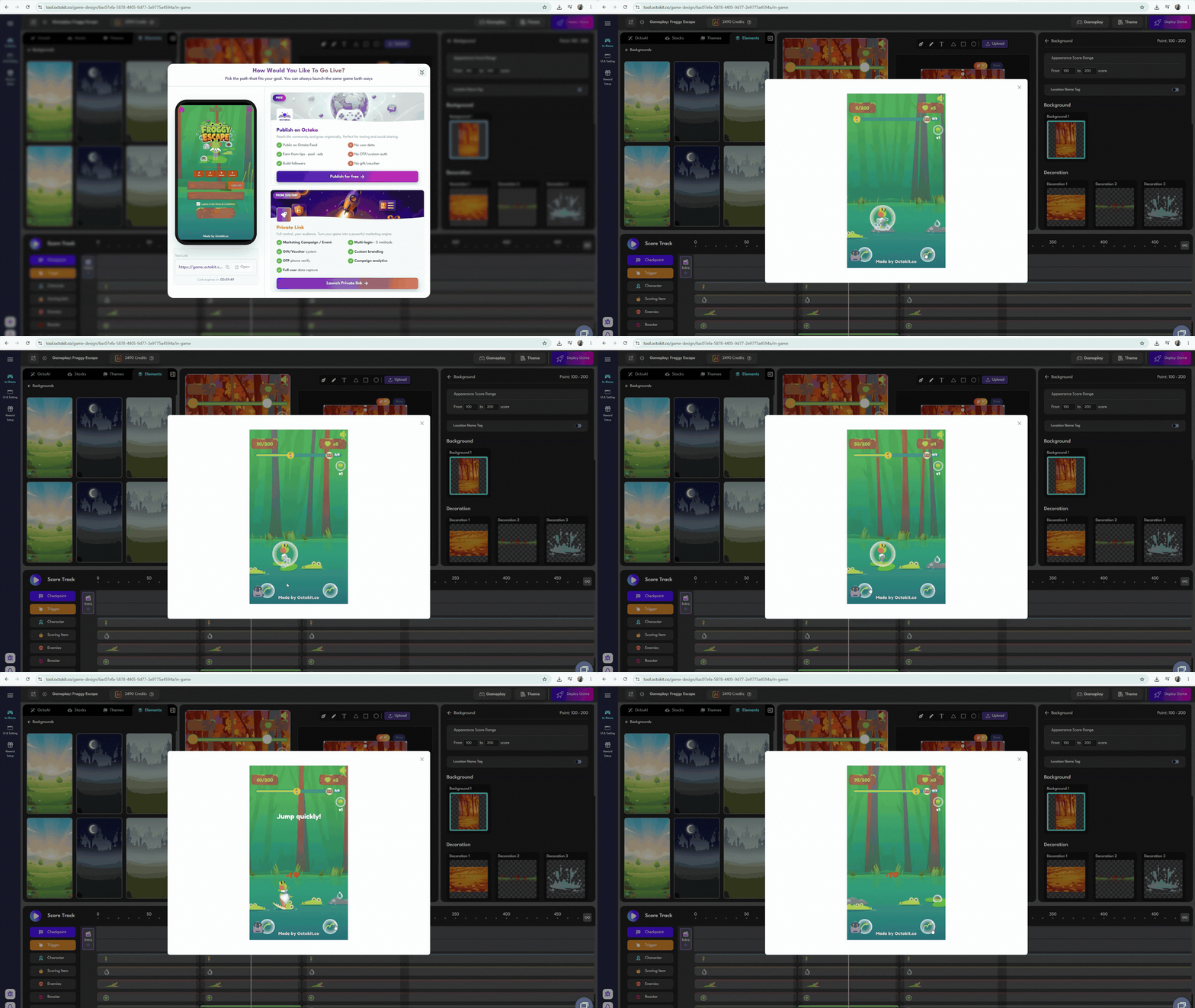
Step 7. Publish and Share Everywhere
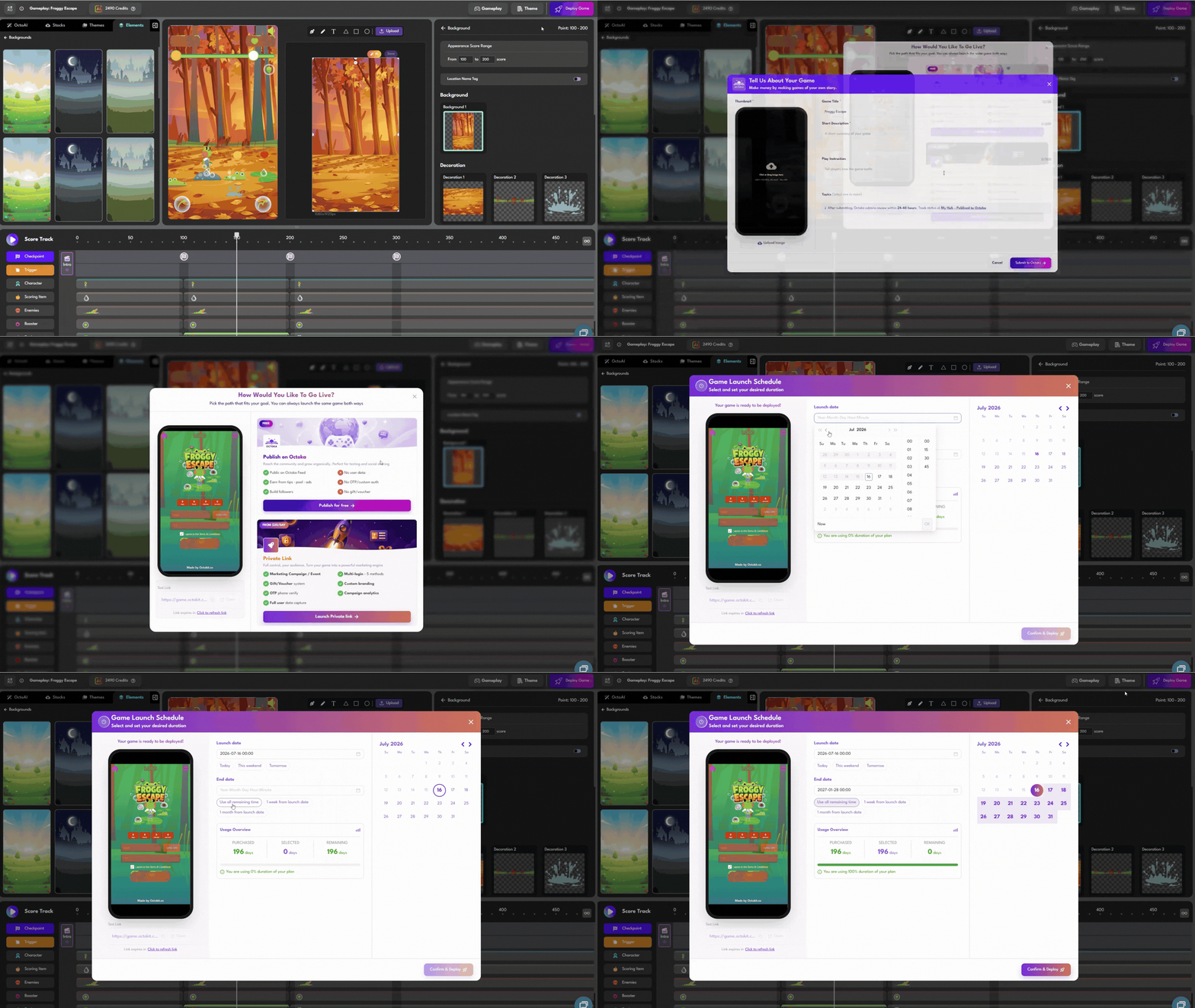
Once your testing is complete, click Deploy Game on your dashboard.
If you choose to create games with Octokit, you don’t have to compile files, host expensive assets on external servers, or wait for app store approvals.
Maximize your campaign visibility by embedding this responsive asset and sharing your link across every single launch marketing channel:
• On-Site: Feature the game directly on your homepage hero section or custom launch landing pages.
• Social Channels: Link the experience in your Instagram Stories, bio links, Facebook pinned posts, and TikTok bios.
• Email Marketing: Send a dedicated blast introducing the game to your existing subscriber database to build pre-launch hype.
• Omnichannel / Offline: Generate custom QR codes to place on packaging, retail displays, or physical event signage.
Keep Optimizing After Launch
The moment your campaign goes live isn’t the finish line—it is the beginning of an iterative feedback loop.
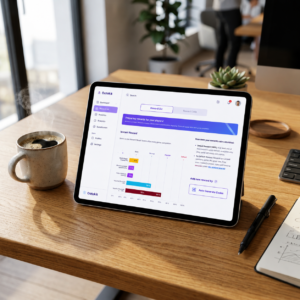
Monitor your Octokit analytics dashboard in real time to track the health of your digital experience. Focus on analyzing these key metrics to measure your performance:
• Participation Rate: The percentage of landing page visitors who click to play.
• Drop-off Milestones: Identifying exactly which content slide or checkpoint cause users to close the tab.
• Lead Conversion Rate: The ratio of players who successfully complete your lead generation forms.
• Returning Players: High replay rates signal that your gameplay loop is highly engaging and fun.
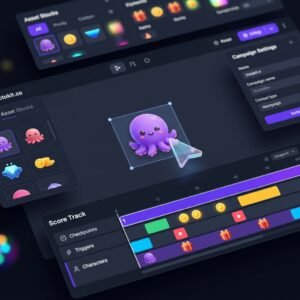
If your conversion rate is low, run quick iterative updates on your live project. Try shortening your introductory text, placing your lead form earlier in the Scoretrack, or modifying your call-to-action text. Because a visual no-code game editor like Octokit updates your live campaign instantly, you can make these critical performance adjustments without needing developer help or halting your campaign traffic.
Final Thoughts
A highly successful product launch is never defined by how loudly you announce it to your audience. It is defined by how memorable you make the interaction.
Instead of fighting for attention with flat, text-heavy copy, using gamification gives your audience a compelling reason to slow down, play, and build an authentic emotional connection with your product before they ever open their wallets.
With modern, cloud-hosted platforms like Octokit, creating these premium experiences no longer requires thousands of dollars, developer pipelines, or coding knowledge.
So, as you plan your next big launch campaign, don’t just ask yourself: “How do we tell people about our product?”
Ask instead: “How can we invite them to experience it?”
| Register your free account on Octokit today, begin to create games with octokit, and turn your next product launch into an unforgettable, high-converting interactive campaign in minutes! |
 Back
Back