


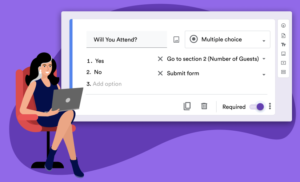
I train new hires on our Sales team. Every batch gets the same 12 question quiz on customer service basics, built in Google Forms, sent by link, done in about ten minutes.
Only 45% of new hires ever finished it. Most opened it, answered three or four questions, and quietly closed the tab.
So I stopped blaming the questions and started blaming the format. I took the exact same 12 questions, nothing cut, nothing simplified, and turned them into a short story-driven game instead. Two weeks later, completion hit 78%.
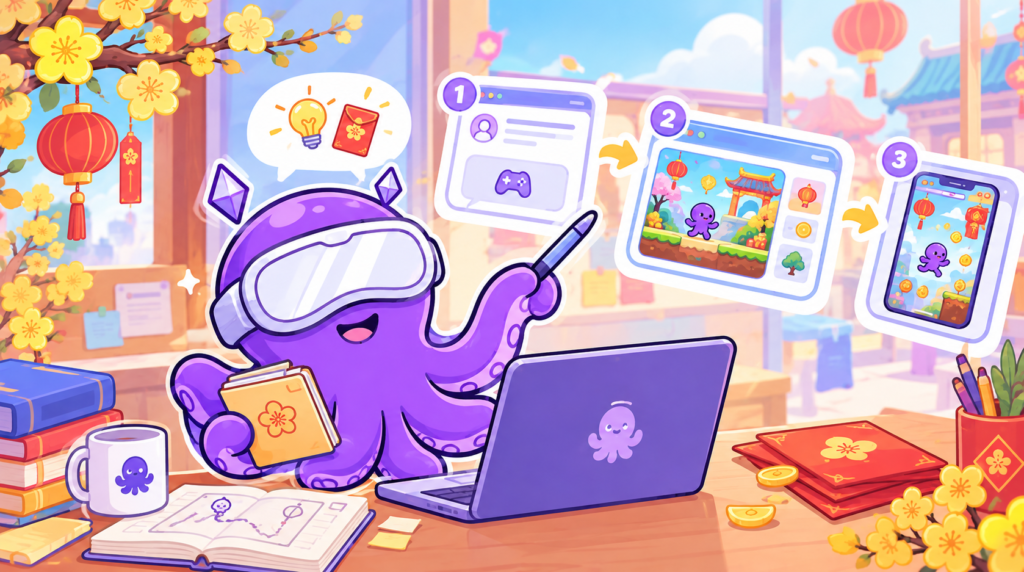
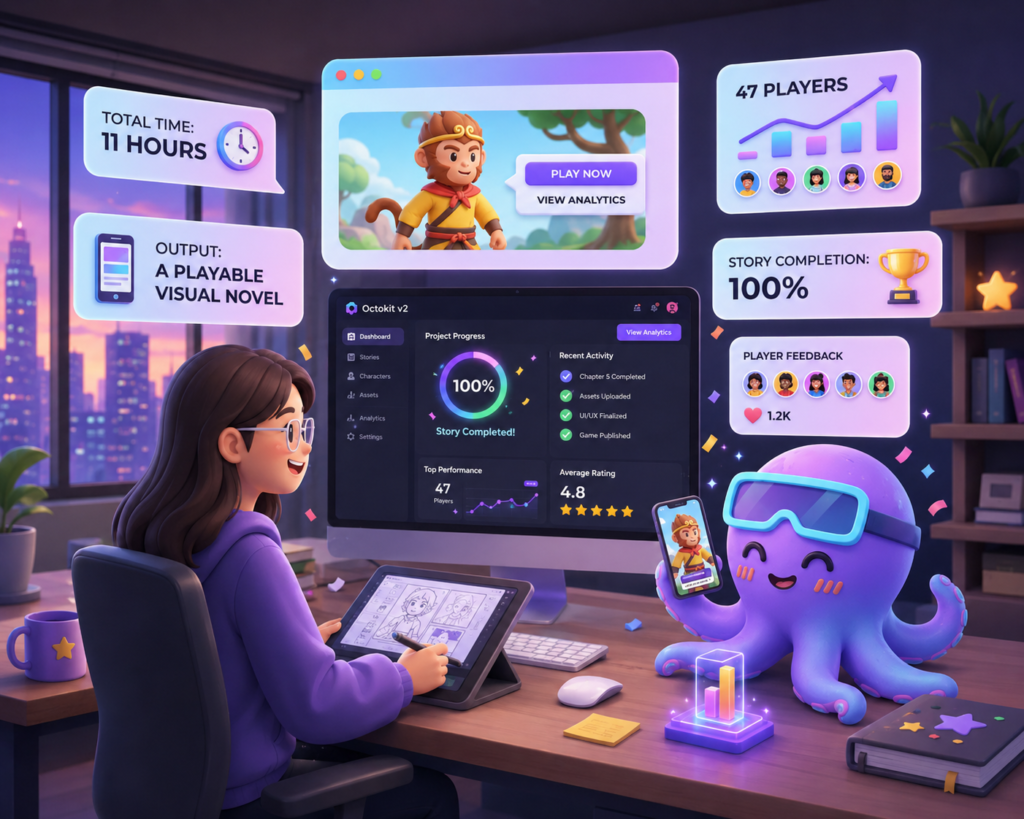
Here’s exactly how I built it, in 3 hours, with zero coding.
Why Quizzes Fail (Even Good Ones)
A quiz feels like a task. A game feels like a choice. That one shift in mindset is basically the whole idea behind game-based learning.
The goal was never to make the content easier. It was to make people actually want to finish it.
The Setup: New Employee Training
I was building a “Basic Customer Service Skills” module for new hires. 12 questions, spread across 4 skill areas: Communication, Problem-Solving, Product Knowledge, and Attitude. The audience was employees aged 22 to 30, glued to their phones all day, and easily bored by another form to fill out.
I kept every question exactly as it was. I just wrapped them in a story.
The 3-Hour Build
Hour 1: Write It Like a Comic, Not a Slide Deck
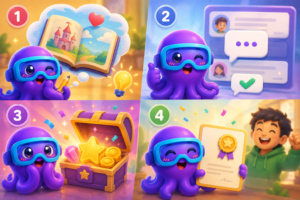
I picked a simple frame. It’s your first day at work, and you have to prove yourself to 4 mentors to become a full-time employee.
- Mentor 1 (Head of Customer Service) covers Communication questions
- Mentor 2 (Senior Advisor) covers Problem-solving questions
- Mentor 3 (Product Specialist) covers Product knowledge questions
- Mentor 4 (CEO) covers Attitude questions
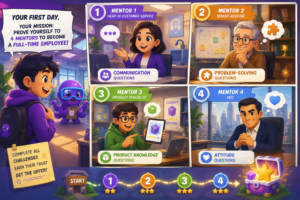
The trick is treating each checkpoint like a comic strip panel instead of a training slide. Don’t explain the lesson, show it happening. A mentor greets the player with a line of dialogue, reacts to their answer with a facial expression or a short comment, and the lesson lands through the exchange itself, not a paragraph underneath it. Keep every line under 3 sentences. People showed up to play, not to read a manual.
Hour 2: Build It in Octokit
This is where the no-code part happens.
1. Set the scene (10 min): pick a background, add your brand colors, name the game.
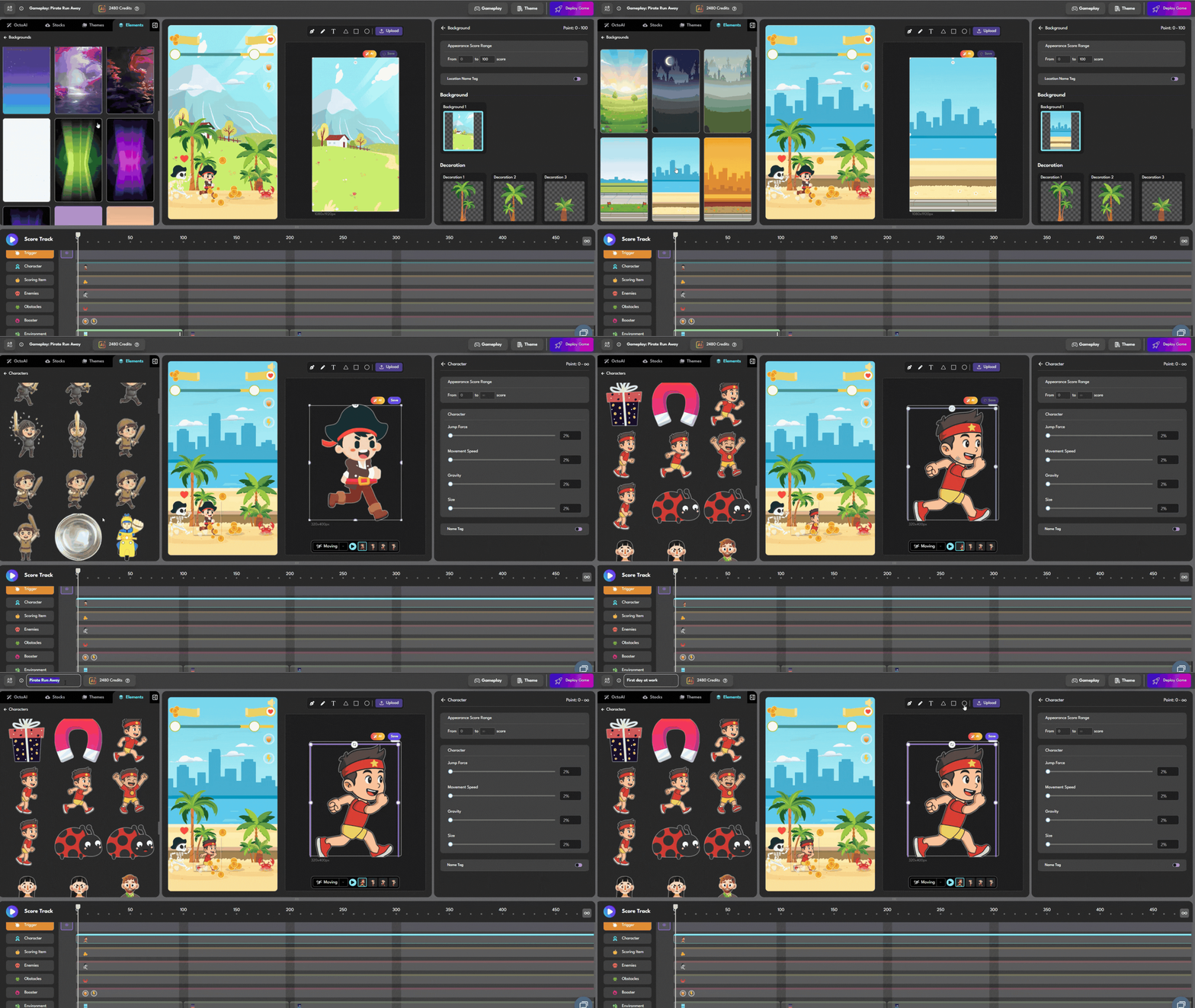
2. Bring in your NPCs (15 min): each mentor is a character who introduces themselves, explains what they’re about to test, and reacts once the player answers. Free avatar tools work fine here. Upload them as PNGs and give each one a short line of personality, not just a name tag.
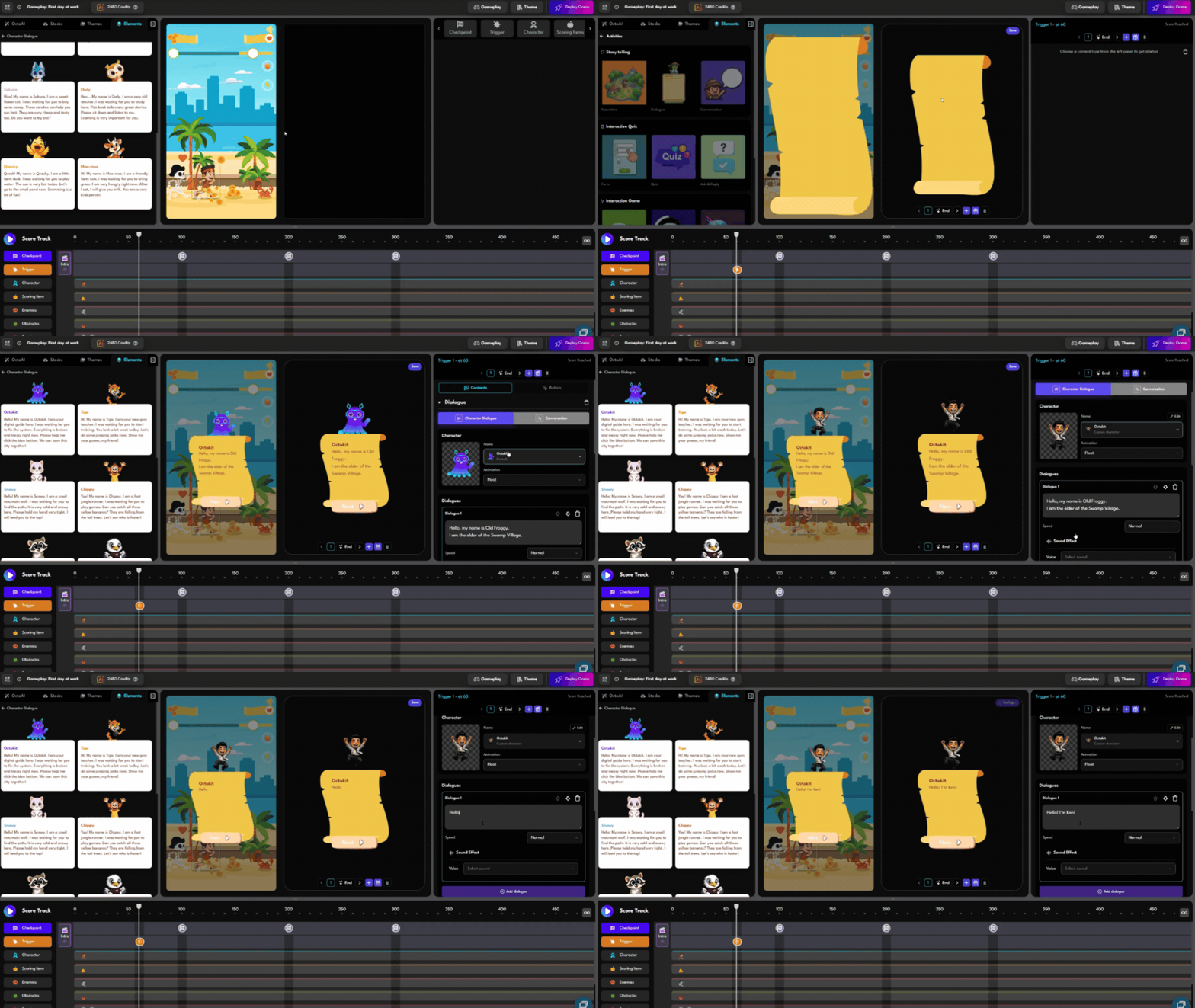
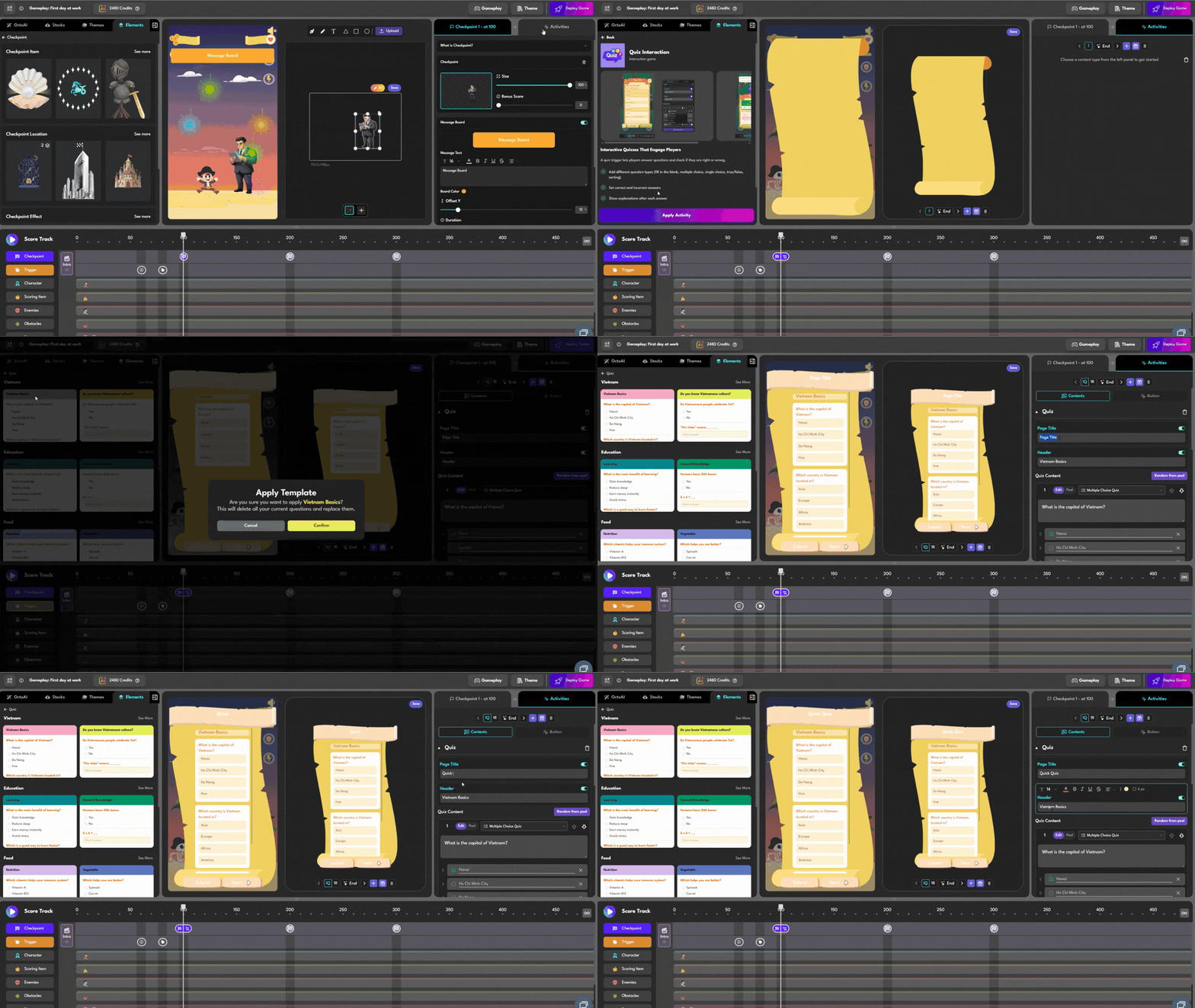
3. Turn each question into a challenge (50 min): this is the part that matters most. Don’t call it “Question 4,” call it a challenge the player has to clear on the spot. The mentor poses it in character, the player answers right there in the scene, and the lesson gets reinforced immediately through the mentor’s reaction, win or lose. Copy your old quiz questions straight in and mark the correct answers. About 2 minutes per question.
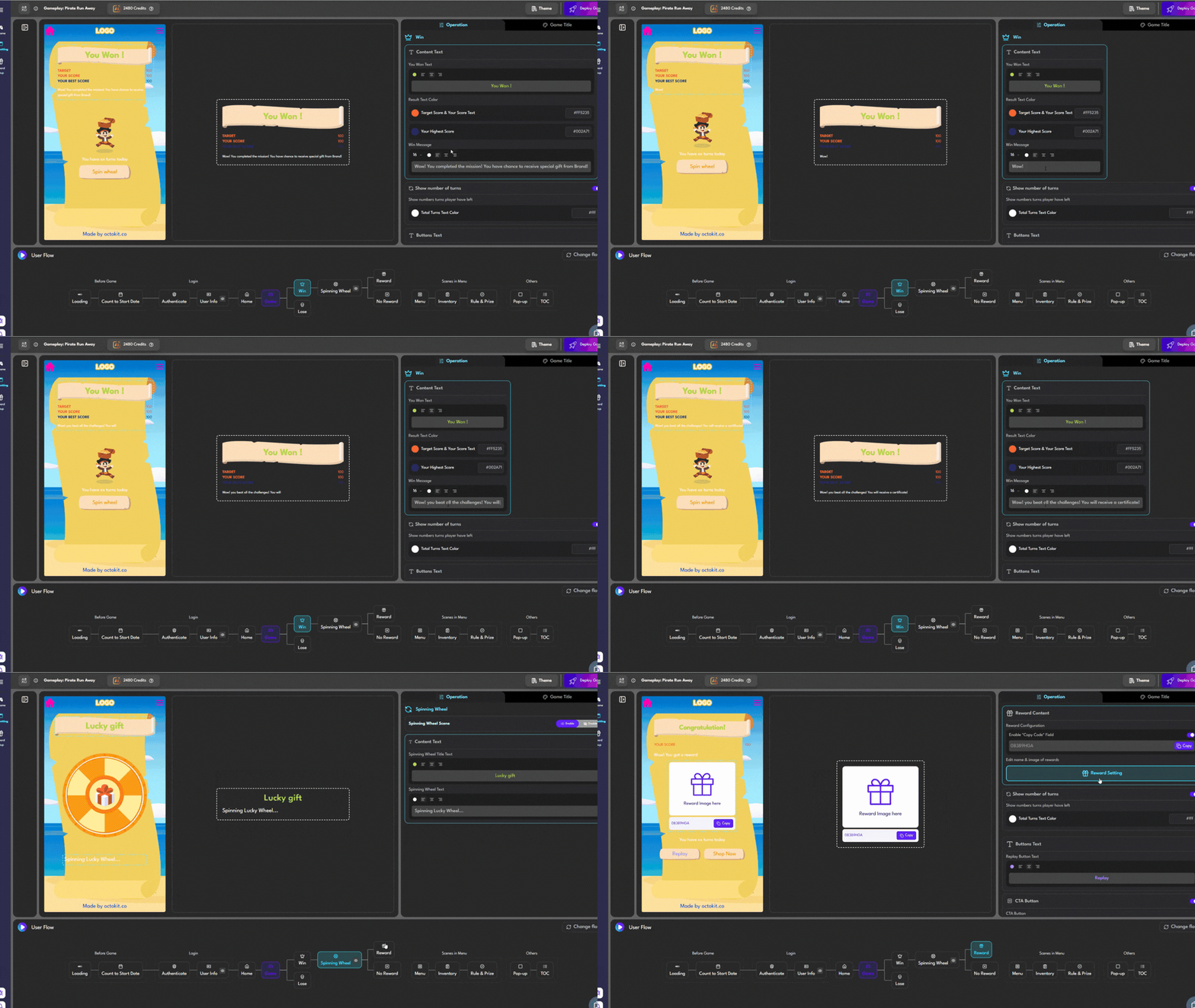
4. Design the win screen (15 min): a congrats message plus a “Download Certificate” button.
Hour 3: Test and Publish
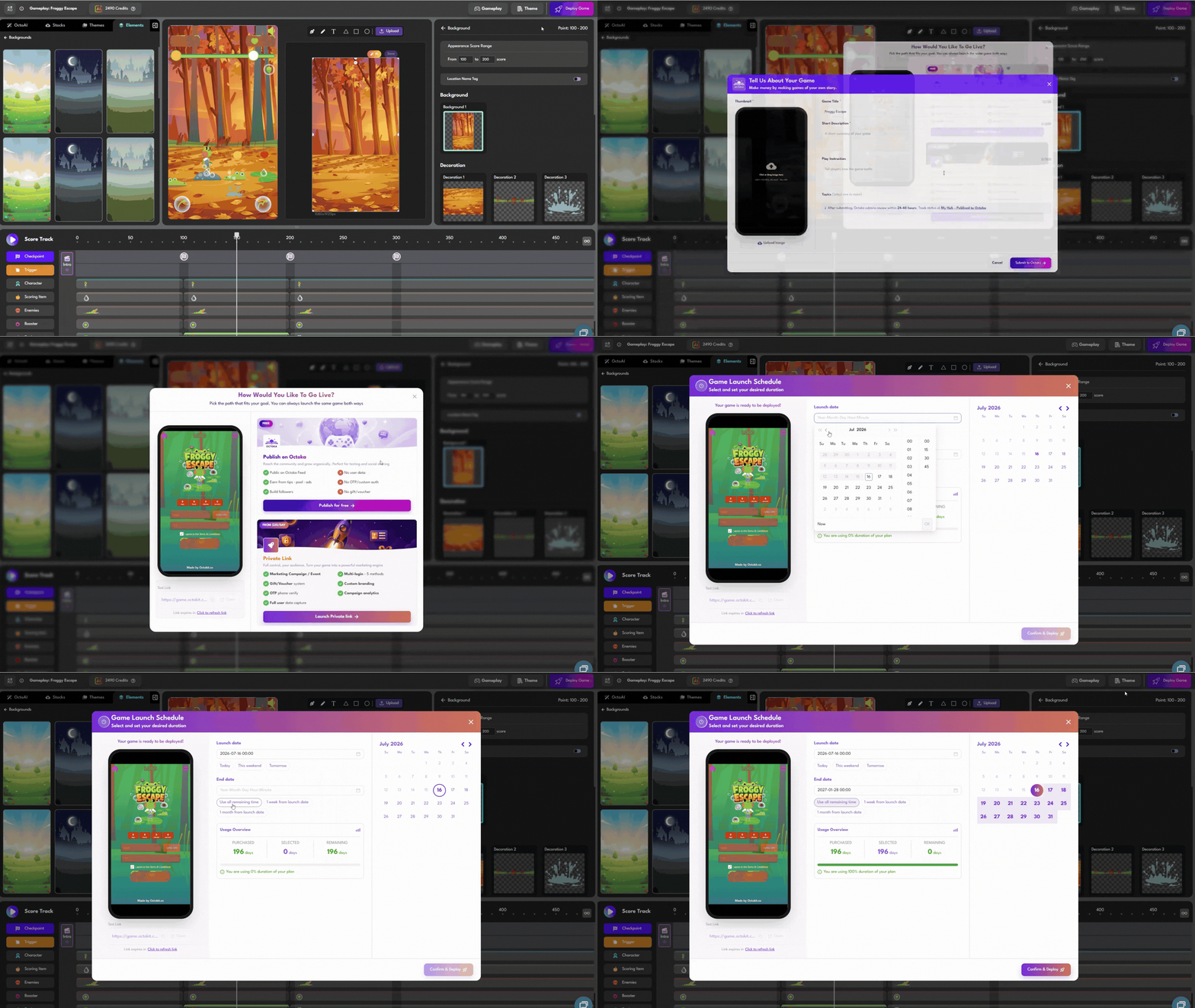
Play through your own game first. I caught two things this way: one confusing question, and a font that looked off on mobile. Fix those, share an unlisted link with a few colleagues, fix whatever they flag, then publish.
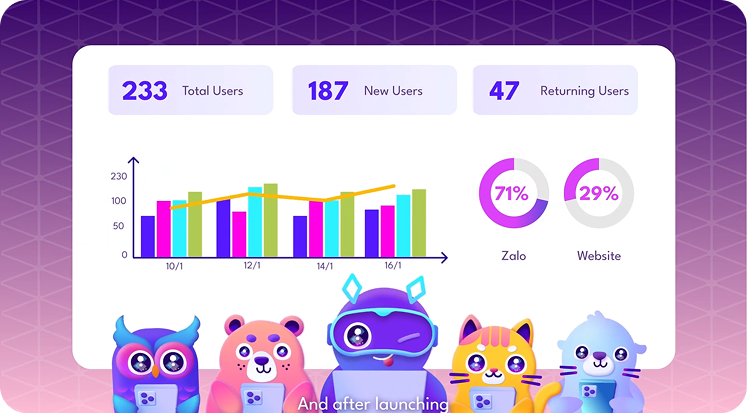
The Results, After 2 Weeks
| Metric | Google Form | Game (Octokit) |
|---|---|---|
| Completion rate | 45% | 78% |
| Average time spent | 4 min | 9 min |
| Average score | 72% | 81% |
| Would recommend | not tracked | 87% |
Same questions. Higher scores. My theory is that when a challenge comes from a mentor inside a story, people slow down and actually think, instead of just clicking the fastest answer they see.
4 Things I’d Tell Anyone Trying This
- The story doesn’t need to be clever. “First day at work” was enough to make people care.
- Keep dialogue short. Three sentences, max. People want to play, not read.
- Small rewards matter. A badge after each checkpoint keeps people moving toward the next one.
- A simple certificate goes a long way. People shared theirs in group chats without me even asking.
Beyond Employee Training
This same approach works well for a few other groups too.
Teachers can turn a test into a discovery mission instead of just another form to fill out. Event organizers can use a short game to teach attendees about a speaker or a brand while they wait around. Marketers can apply the exact same mechanic to product quizzes and lead generation campaigns.
FAQ

Can I reuse my old quiz questions? Yes. Paste them straight into the quiz slides and mark the correct answers.
Does Octokit track results? Yes. It logs scores, completion rates, and answer history, and you can export it all as a CSV.
I’m not a designer. Can I still make this look good? Yes. Free avatar and background libraries cover most needs. Polish helps, but it’s not required to launch.
Will it work on mobile? Yes, it runs right in the browser, no app needed.
| Start building your first game free at octokit.co. No coding, no design skills required. |
 Back
Back